Independent reviews. No paid rankings. No sponsored placements.
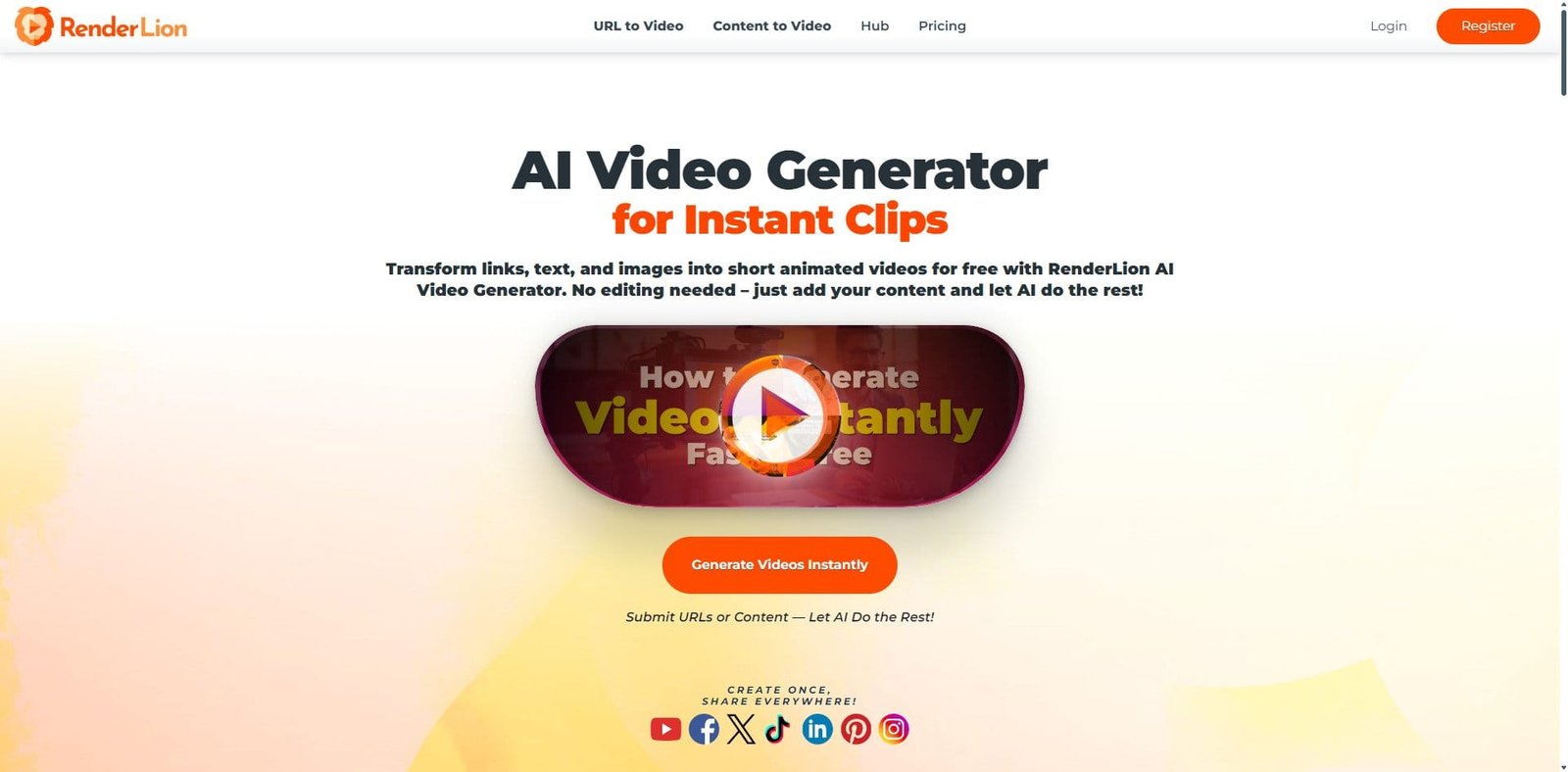
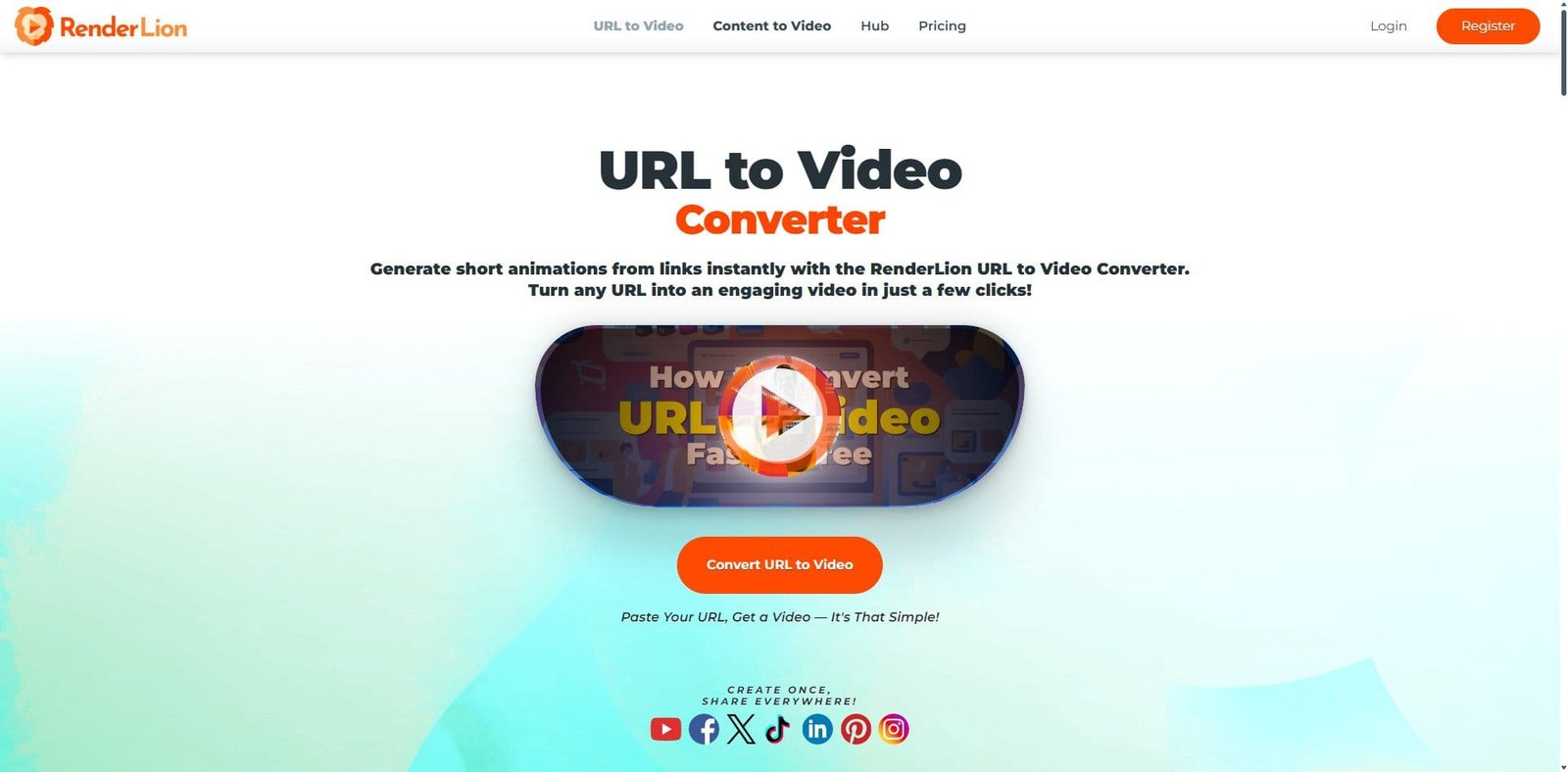

RenderLion is a browser-based AI video creation tool focused on turning text, URLs, and prompts into ready-to-publish videos. As of 2026, it targets marketers, bloggers, and small businesses looking to automate video production without traditional editing skills.
Unlike timeline-based editors such as Wondershare Filmora, RenderLion operates on a prompt-driven workflow, emphasizing speed and automation over manual control.
Pricing Snapshot (2026)
| Plan Type | Price (Approx.) | Notes |
|---|---|---|
| Free Plan | Limited | Restricted exports / watermark |
| Starter Plan | ~$15–$25/month | Basic generation credits |
| Pro Plan | ~$40–$60/month | Higher output limits |
| Enterprise | Custom | API + team features |
Source Type: Vendor-provided pricing (subject to change and usage-based scaling)
Key Features
1. Text-to-Video Generation
Users can input scripts or prompts, and RenderLion automatically generates video sequences with visuals, transitions, and music.
2. URL-to-Video Conversion
Transforms blog posts or web pages into summarized video content—useful for content repurposing.
3. AI Script Assistance
Suggests captions, summaries, and short-form scripts optimized for social media platforms.
4. Automated Visual Matching
AI selects stock footage, animations, and overlays based on the input context.
5. Voiceover Generation
Includes AI voice narration with multiple tones and languages.
6. Social Media Optimization
Exports formatted for platforms like TikTok, Instagram Reels, and YouTube Shorts.
Primary Use Cases
- Blog-to-video automation
- Social media content scaling
- Marketing campaigns
- Product promotion videos
- News-style or informational content
Pros and Cons
Pros
- Extremely fast video creation
- No editing experience required
- Ideal for content repurposing
- Cloud-based (no installation needed)
- Scalable for high-volume output
Cons
- Limited manual editing control
- Generic-looking outputs in some cases
- Heavy reliance on stock assets
- Subscription cost tied to usage volume
- Less suitable for storytelling or cinematic work
Feature Comparison
| Feature | RenderLion | Pictory | Synthesia |
|---|---|---|---|
| Text-to-Video | Strong | Strong | Moderate |
| AI Avatars | No | Limited | Excellent |
| Manual Editing | Minimal | Moderate | Limited |
| Speed | Very Fast | Fast | Moderate |
| Best For | Repurposing | Blog videos | Training videos |
Performance and User Experience
RenderLion is designed for simplicity. The interface requires minimal onboarding—users input text, select style preferences, and generate videos in minutes.
Performance is consistent because all processing is cloud-based. However, output quality depends heavily on input quality and prompt clarity.
AI Capabilities in 20
RenderLion’s AI focuses on automation rather than precision editing:
- Context-aware scene generation
- Automatic subtitle creation
- AI summarization for long-form content
- Voice synthesis and narration
While efficient, it lacks deep customization compared to hybrid tools that combine AI with manual timelines.
Alternatives to Consider
- Lumen5 – Strong for branded marketing videos
- InVideo – More template control
- Runway ML – Advanced AI video editing
Verdict
RenderLion in 2026 is best viewed as a content automation engine rather than a full video editor. It excels at turning written content into quick, publishable videos with minimal effort.
For businesses and creators prioritizing speed and scale, it offers clear value. However, users seeking creative control, storytelling depth, or brand-level polish may find it limiting.
FAQ
Is RenderLion free to use?
Yes, but the free plan has limitations on exports and features.
Can I edit videos manually in RenderLion?
Editing options are minimal compared to tools like Wondershare Filmora.
Is RenderLion good for YouTube content?
It works best for short-form or repurposed content rather than long-form videos.
Does RenderLion support voiceovers?
Yes, it includes AI-generated voice narration.