Independent reviews. No paid rankings. No sponsored placements.
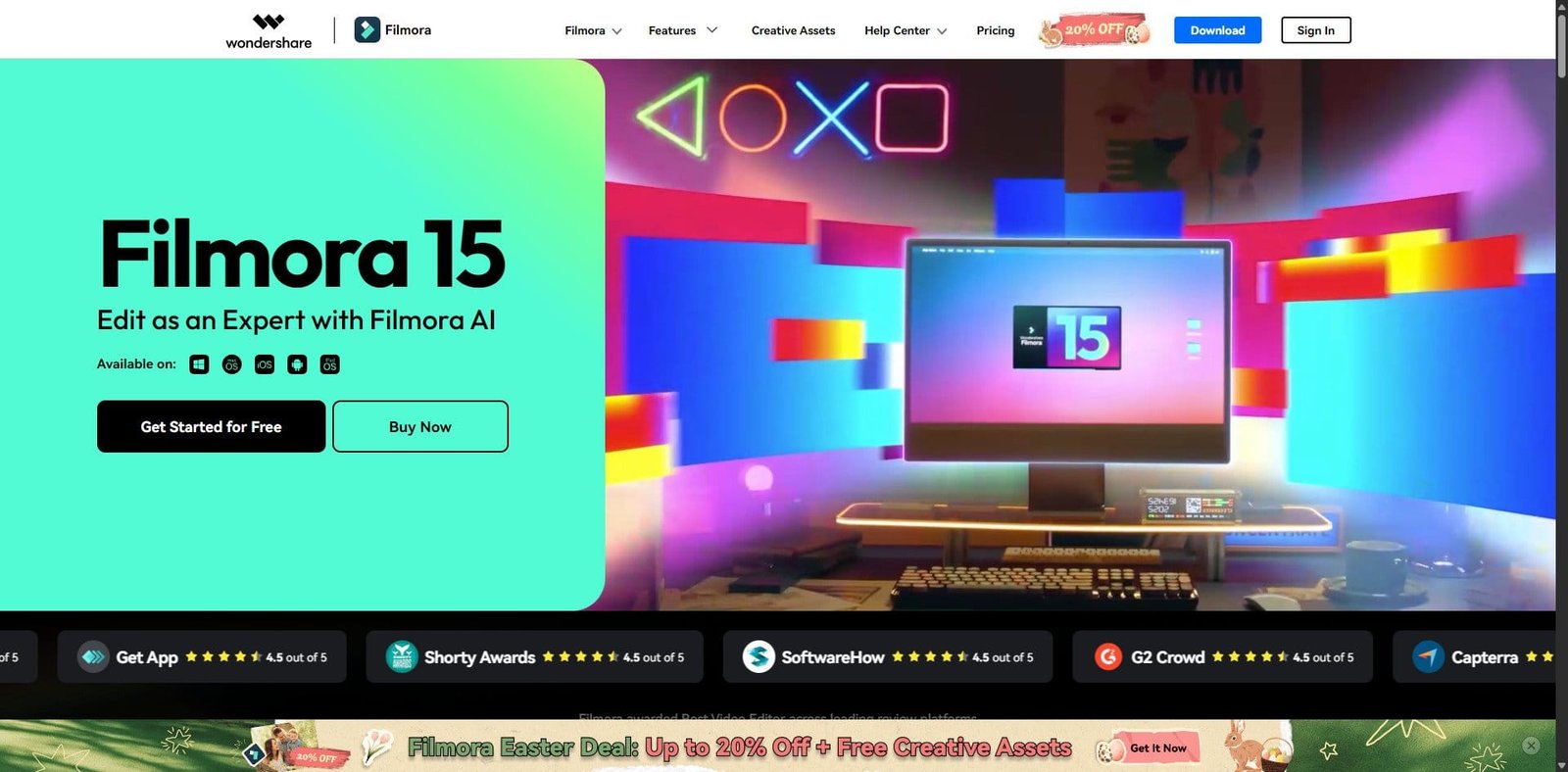
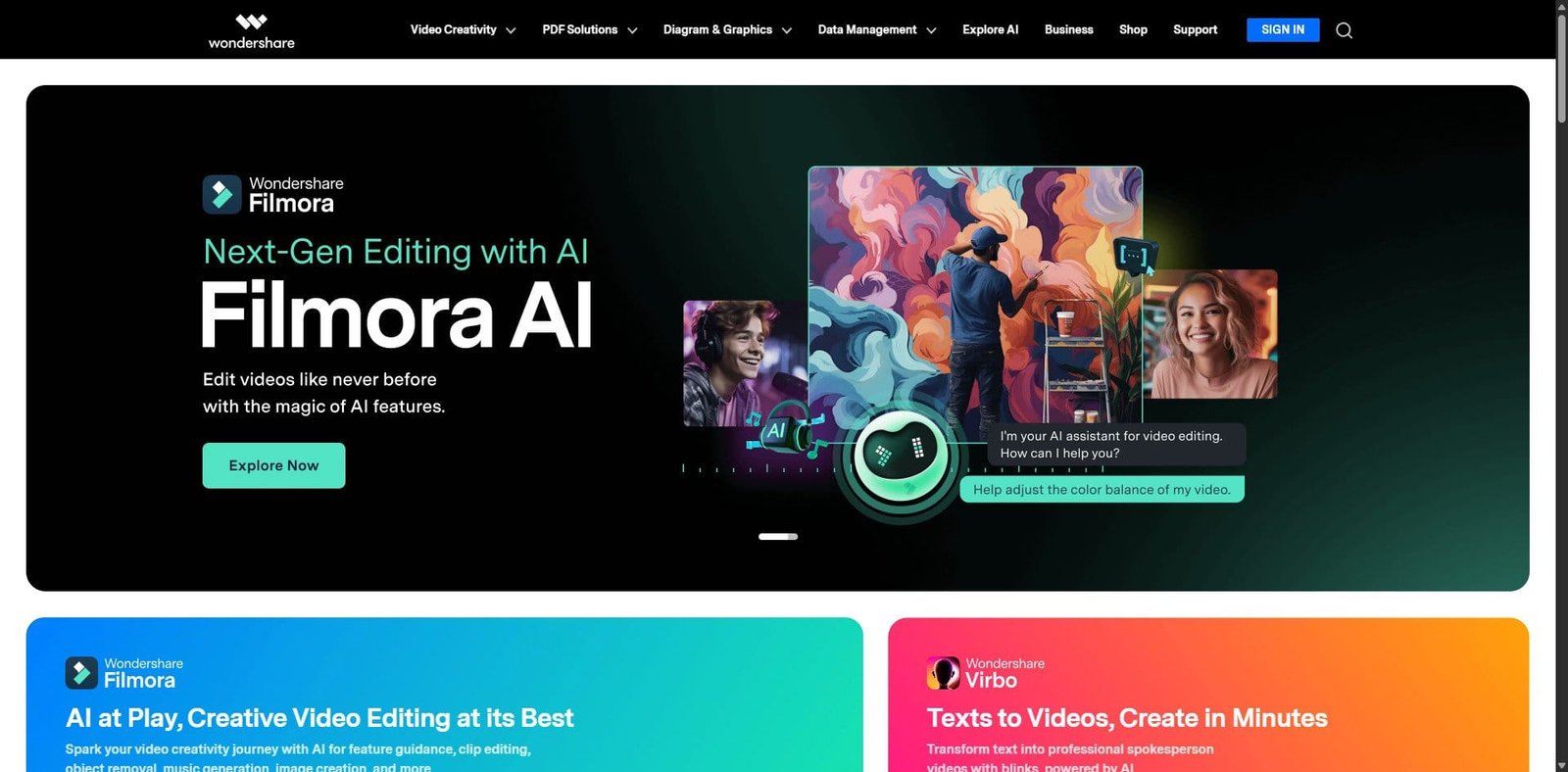

Wondershare Filmora is a consumer-to-prosumer video editing platform designed for creators who need fast results without a steep learning curve. In 2026, Filmora continues to position itself between beginner tools and professional-grade editors, adding AI-assisted features, improved performance, and an expanded asset ecosystem.
It is widely used by YouTubers, marketers, educators, and small businesses that prioritize speed and ease of use over deep manual control.
Pricing Snapshot (2026)
| Plan Type | Price (Approx.) | Notes |
|---|---|---|
| Free Plan | $0 | Watermark on exports |
| Annual Plan | ~$49.99/year | Most popular |
| Perpetual Plan | ~$79.99 one-time | Limited updates |
| Advanced/AI Add-ons | Extra cost | Credits or subscriptions |
Source Type: Official pricing pages and vendor disclosures (subject to regional variation)
Key Features
1. Intuitive Drag-and-Drop Editing
Filmora’s timeline is clean and beginner-friendly. Users can quickly import, trim, and arrange clips with minimal setup.
2. Built-in Effects & Assets Library
Includes transitions, titles, filters, and royalty-free media. The asset store is integrated directly into the editor.
3. AI-Powered Tools (2026 Enhancements)
- AI Copilot editing assistance
- Text-to-video generation
- AI smart cutout and background removal
- Auto beat sync for music
4. Audio Editing Suite
- Noise reduction
- Audio ducking
- Voice effects and equalization
5. Cross-Platform Support
Available on Windows, macOS, and mobile devices with project syncing capabilities.
6. Export Flexibility
Supports direct export to platforms like YouTube and multiple format presets.
Primary Use Cases
- YouTube content creation
- Social media video production
- Online course creation
- Marketing and ad creatives
- Entry-level freelance video editing
Pros and Cons
Pros
- Easy to learn and use
- Rich built-in effects library
- Affordable compared to pro tools
- Fast rendering for most workflows
- Growing AI feature set
Cons
- Limited advanced editing controls
- AI tools often require additional payment
- Watermark in free version
- Not ideal for complex professional workflows
Feature Comparison
| Feature | Filmora | Adobe Premiere Pro | DaVinci Resolve |
|---|---|---|---|
| Ease of Use | Excellent | Moderate | Moderate |
| Advanced Editing | Limited | Excellent | Excellent |
| AI Features | Strong | Growing | Moderate |
| Pricing | Affordable | Subscription | Free + Paid |
| Learning Curve | Low | High | Medium |
Performance and User Experience
Filmora performs well on mid-range systems, making it accessible to a broader audience. Timeline responsiveness is smooth for standard 1080p and even moderate 4K projects. However, performance can degrade with heavy effects layering or large-scale edits.
The interface remains one of its strongest advantages—clean, modern, and approachable.
AI Capabilities in 2026
Filmora’s AI expansion is a defining factor in 2026. The platform focuses on reducing manual editing effort:
- Automated scene detection
- AI-generated captions and subtitles
- Smart object tracking
- Text-based editing workflows
While useful, many advanced AI features operate on a credit system, which can increase long-term costs.
Alternatives to Consider
- Adobe Premiere Elements – Simpler Adobe alternative
- Final Cut Pro – Optimized for Apple ecosystem
- CapCut – Strong mobile-first editing
Verdict
Filmora in 2026 remains one of the best entry-to-intermediate video editors available. It strikes a strong balance between usability and capability, making it ideal for creators who want professional-looking videos without investing time in mastering complex software.
However, it is not a replacement for high-end editing suites in professional production environments.
FAQ
Is Filmora good for beginners?
Yes, it is one of the easiest video editing tools to learn.
Does Filmora support 4K editing?
Yes, including export and timeline editing.
Is Filmora free?
There is a free version, but exported videos include a watermark.
Is Filmora better than Premiere Pro?
Filmora is easier to use, but Adobe Premiere Pro offers far more advanced capabilities.