Independent reviews. No paid rankings. No sponsored placements.

Overview
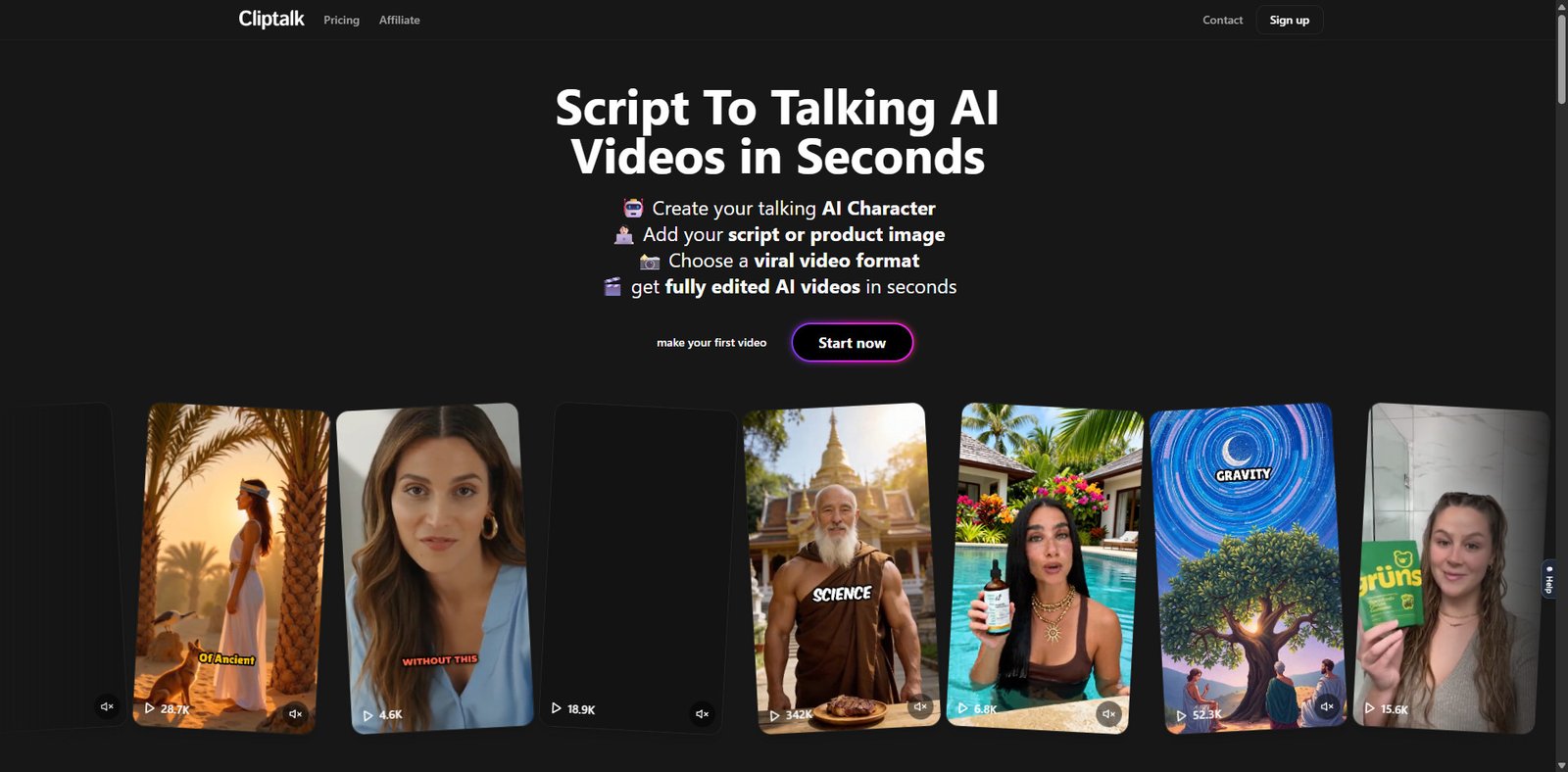
Cliptalk is an AI-powered content repurposing platform designed to transform long-form videos into short, social-media-ready clips. It targets creators, marketers, and agencies looking to scale short-form content production for platforms like TikTok, Instagram Reels, and YouTube Shorts.
The tool leverages speech recognition, scene detection, and AI-based highlight extraction to automate what is traditionally a time-consuming manual editing workflow. As of 2026, Cliptalk positions itself among a growing class of AI video clipping tools that aim to reduce editing effort while maintaining engagement quality.
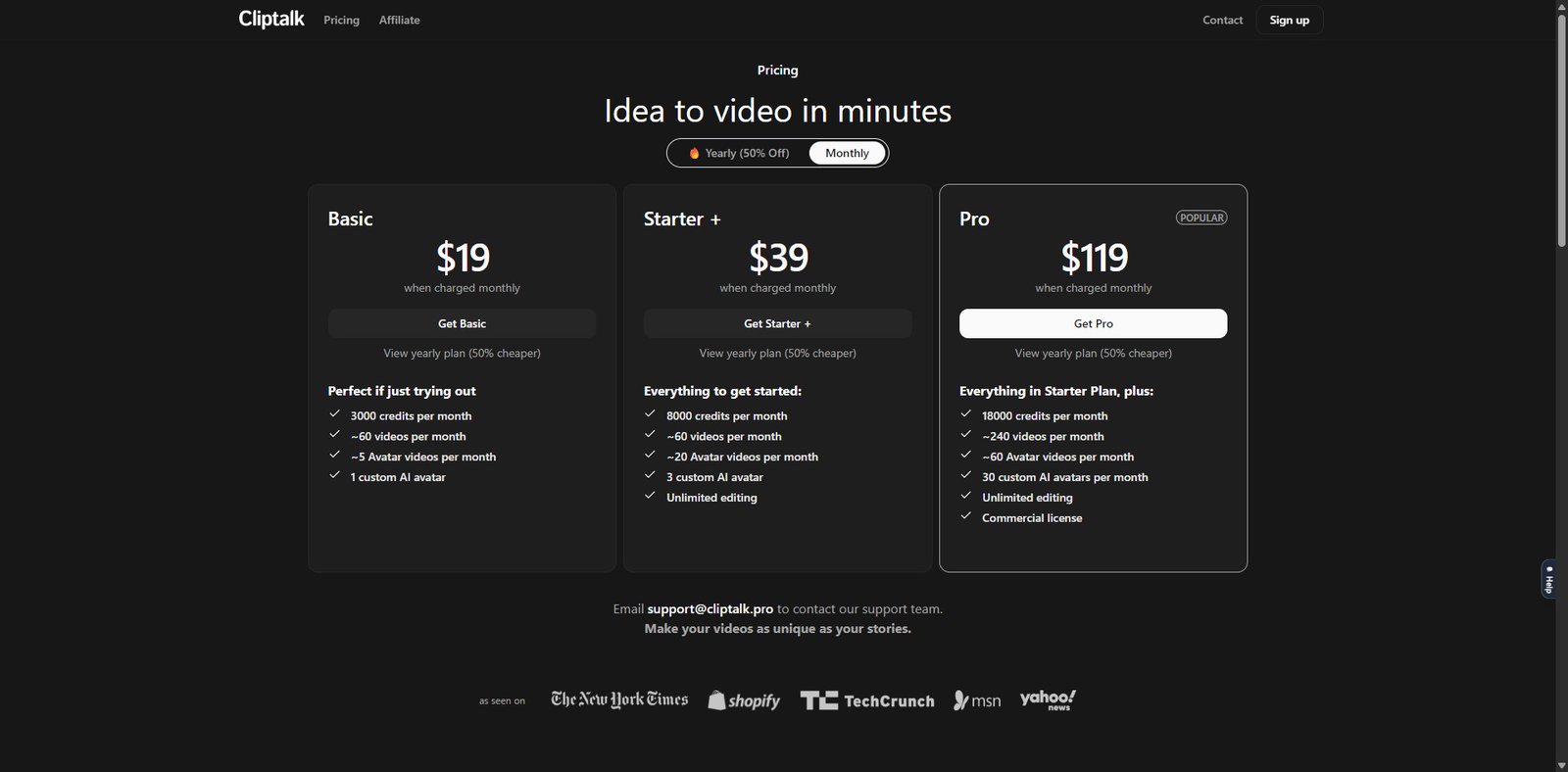
Pricing Snapshot (2026)
| Plan | Monthly Price | Key Limits | Best For |
|---|---|---|---|
| Free | $0 | Limited exports, watermark | Testing / beginners |
| Starter | ~$19–$29 | Moderate video minutes, HD export | Solo creators |
| Pro | ~$49–$79 | Higher limits, priority processing | Content creators / teams |
| Business | Custom | API, bulk processing, team access | Agencies & enterprises |
Note: Pricing may vary based on usage (minutes processed) and features enabled.
Key Features
1. AI-Powered Clip Detection
Cliptalk automatically identifies high-engagement segments within long videos using speech patterns, keyword triggers, and audience retention signals.
- Detects “viral-worthy” moments
- Prioritizes emotional or informative peaks
- Reduces manual timeline scrubbing
2. Auto Subtitles & Caption Styling
The platform generates captions with customizable styles optimized for social media consumption.
- Dynamic caption animations
- Multiple font and color presets
- High accuracy speech-to-text (supports multiple languages)
3. Smart Reframing (Vertical Video Optimization)
Cliptalk converts horizontal videos into vertical formats using AI subject tracking.
- Auto face/object tracking
- Optimized for TikTok, Reels, Shorts
- Reduces need for manual cropping
4. Batch Processing
Users can upload long-form content and generate multiple clips at once.
- Bulk clip generation
- Time-saving for podcasters and educators
- Efficient content pipelines
5. Branding & Templates
Built-in templates allow quick customization for consistent brand identity.
- Logo overlays
- Intro/outro snippets
- Preset layouts for different platforms
Use Cases
Content Creators
- Repurpose YouTube videos into Shorts
- Create daily content from a single recording session
Podcasters
- Extract highlight moments for social media promotion
- Increase discoverability through bite-sized clips
Social Media Managers
- Scale content production for multiple accounts
- Maintain consistent posting schedules
Agencies
- Deliver short-form video packages to clients
- Automate repetitive editing workflows
Pros and Cons
Pros
- Significant time savings through automation
- Beginner-friendly interface
- Strong subtitle generation and styling
- Efficient batch processing for scale
- Supports multiple social media formats
Cons
- AI clip selection may require manual refinement
- Limited advanced editing compared to professional tools
- Export quality/features tied to higher-tier plans
- Internet-dependent (no offline editing)
Feature Comparison
| Feature | Cliptalk | Typical Video Editor | Other AI Clippers |
|---|---|---|---|
| AI Clip Detection | Yes | No | Yes |
| Auto Subtitles | Yes | Limited | Yes |
| Vertical Reframing | Yes | Manual | Yes |
| Batch Processing | Yes | No | Varies |
| Advanced Editing Tools | Limited | Extensive | Limited |
Performance & Usability
Cliptalk emphasizes simplicity over granular control. The dashboard is intuitive, allowing users to upload content, generate clips, and export within minutes. Processing speed is generally efficient, though it depends on video length and server load.
Accuracy of AI clipping is good but not perfect—users should expect to review and fine-tune outputs before publishing.
Alternatives
- Opus Clip (AI clipping with strong virality scoring)
- Descript (advanced editing + transcription)
- CapCut (manual + semi-automated editing)
Cliptalk sits between fully automated tools and semi-manual editors, offering a balance of speed and usability.
Verdict
Cliptalk is a practical solution for creators and teams focused on scaling short-form video output without investing heavily in manual editing. It excels in automation, captioning, and batch processing, making it particularly valuable for content repurposing workflows.
However, users who require fine-grained editing control or cinematic-level production may find it limiting compared to traditional editing software.
Best for: Content repurposing at scale
Not ideal for: Advanced video editing professionals
Frequently Asked Questions
What is Cliptalk used for?
Cliptalk is used to automatically convert long videos into short, shareable clips for social media platforms.
Does Cliptalk support subtitles?
Yes, it includes AI-generated subtitles with customizable styles.
Is Cliptalk suitable for beginners?
Yes, the interface is designed for non-editors and requires minimal technical skills.
Can I edit clips manually?
Basic editing is available, but advanced controls are limited compared to full video editors.
Does it support multiple platforms?
Yes, clips can be optimized for TikTok, Instagram Reels, and YouTube Shorts.