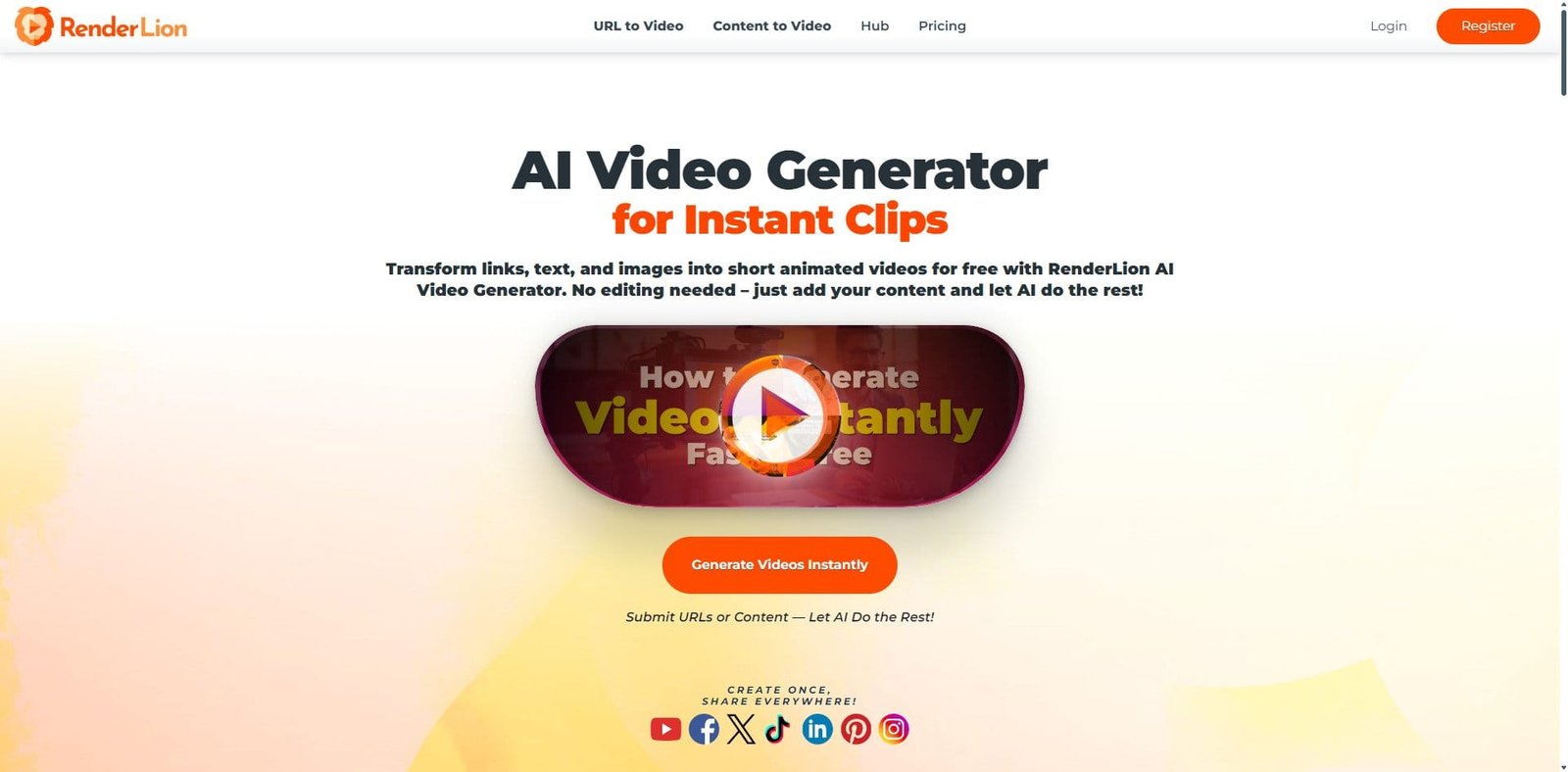
RenderLion is a browser-based AI video creation tool focused on turning text, URLs, and prompts into ready-to-publish videos. As of 2026, it targets marketers, bloggers, and small businesses looking to automate video production without traditional editing skills.
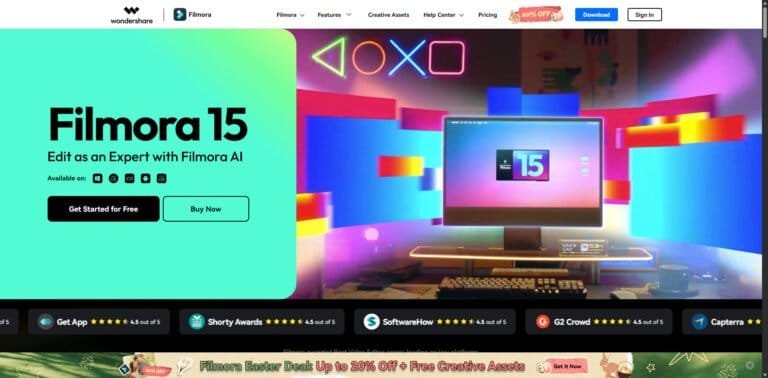
Unlike timeline-based editors such as Wondershare Filmora, RenderLion operates on a prompt-driven workflow, emphasizing speed and automation over manual control.
Pricing Snapshot (2026)
Plan Type
Price (Approx.)
Notes
Free Plan
Limited
Restricted exports / watermark
Starter Plan
~$15–$25/month
Basic generation credits
Pro Plan
~$40–$60/month
Higher output limits
Enterprise
Custom
API + team features
Source Type: Vendor-provided pricing (subject to change and usage-based scaling)
Key Features
1. Text-to-Video Generation
Users can input scripts or prompts, and RenderLion automatically generates video sequences with visuals, transitions, and music.
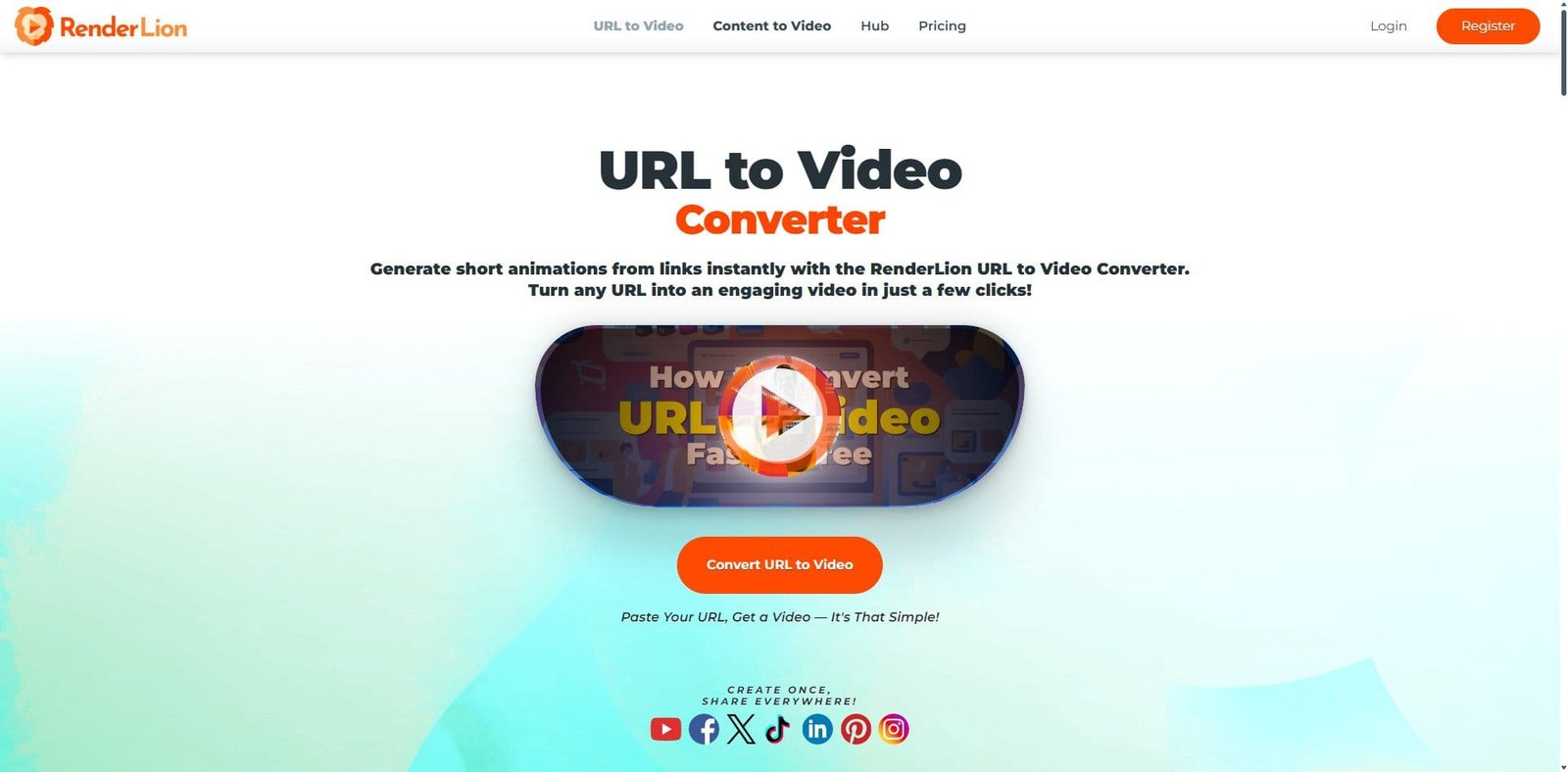
2. URL-to-Video Conversion
Transforms blog posts or web pages into summarized video content—useful for content repurposing.
3. AI Script Assistance
Suggests captions, summaries, and short-form scripts optimized for social media platforms.
4. Automated Visual Matching
AI selects stock footage, animations, and overlays based on the input context.
5. Voiceover Generation
Includes AI voice narration with multiple tones and languages.
6. Social Media Optimization
Exports formatted for platforms like TikTok, Instagram Reels, and YouTube Shorts.
Primary Use Cases
Blog-to-video automation
Social media content scaling
Marketing campaigns
Product promotion videos
News-style or informational content
Pros and Cons
Pros
Extremely fast video creation
No editing experience required
Ideal for content repurposing
Cloud-based (no installation needed)
Scalable for high-volume output
Cons
Limited manual editing control
Generic-looking outputs in some cases
Heavy reliance on stock assets
Subscription cost tied to usage volume
Less suitable for storytelling or cinematic work
Feature Comparison
Feature
RenderLion
Pictory
Synthesia
Text-to-Video
Strong
Strong
Moderate
AI Avatars
No
Limited
Excellent
Manual Editing
Minimal
Moderate
Limited
Speed
Very Fast
Fast
Moderate
Best For
Repurposing
Blog videos
Training videos
Performance and User Experience
RenderLion is designed for simplicity. The interface requires minimal onboarding—users input text, select style preferences, and generate videos in minutes.
Performance is consistent because all processing is cloud-based. However, output quality depends heavily on input quality and prompt clarity.
AI Capabilities in 20
RenderLion’s AI focuses on automation rather than precision editing:
Context-aware scene generation
Automatic subtitle creation
AI summarization for long-form content
Voice synthesis and narration
While efficient, it lacks deep customization compared to hybrid tools that combine AI with manual timelines.
Alternatives to Consider
Lumen5 – Strong for branded marketing videos
InVideo – More template control
Runway ML – Advanced AI video editing
Verdict
RenderLion in 2026 is best viewed as a content automation engine rather than a full video editor. It excels at turning written content into quick, publishable videos with minimal effort.
For businesses and creators prioritizing speed and scale, it offers clear value. However, users seeking creative control, storytelling depth, or brand-level polish may find it limiting.
FAQ
Is RenderLion free to use?
Yes, but the free plan has limitations on exports and features.
Can I edit videos manually in RenderLion?
Editing options are minimal compared to tools like Wondershare Filmora.
Is RenderLion good for YouTube content?
It works best for short-form or repurposed content rather than long-form videos.
Does RenderLion support voiceovers?
Yes, it includes AI-generated voice narration.
Share your love
Best Review
“Turning clicks into clients with AI‑supercharged web design & marketing.”
Let’s build your future site ➔
Passionate Web Developer, Freelancer, and Entrepreneur dedicated to creating innovative and user-friendly web solutions. With years of experience in the industry, I specialize in designing and developing websites that not only look great but also perform exceptionally well.