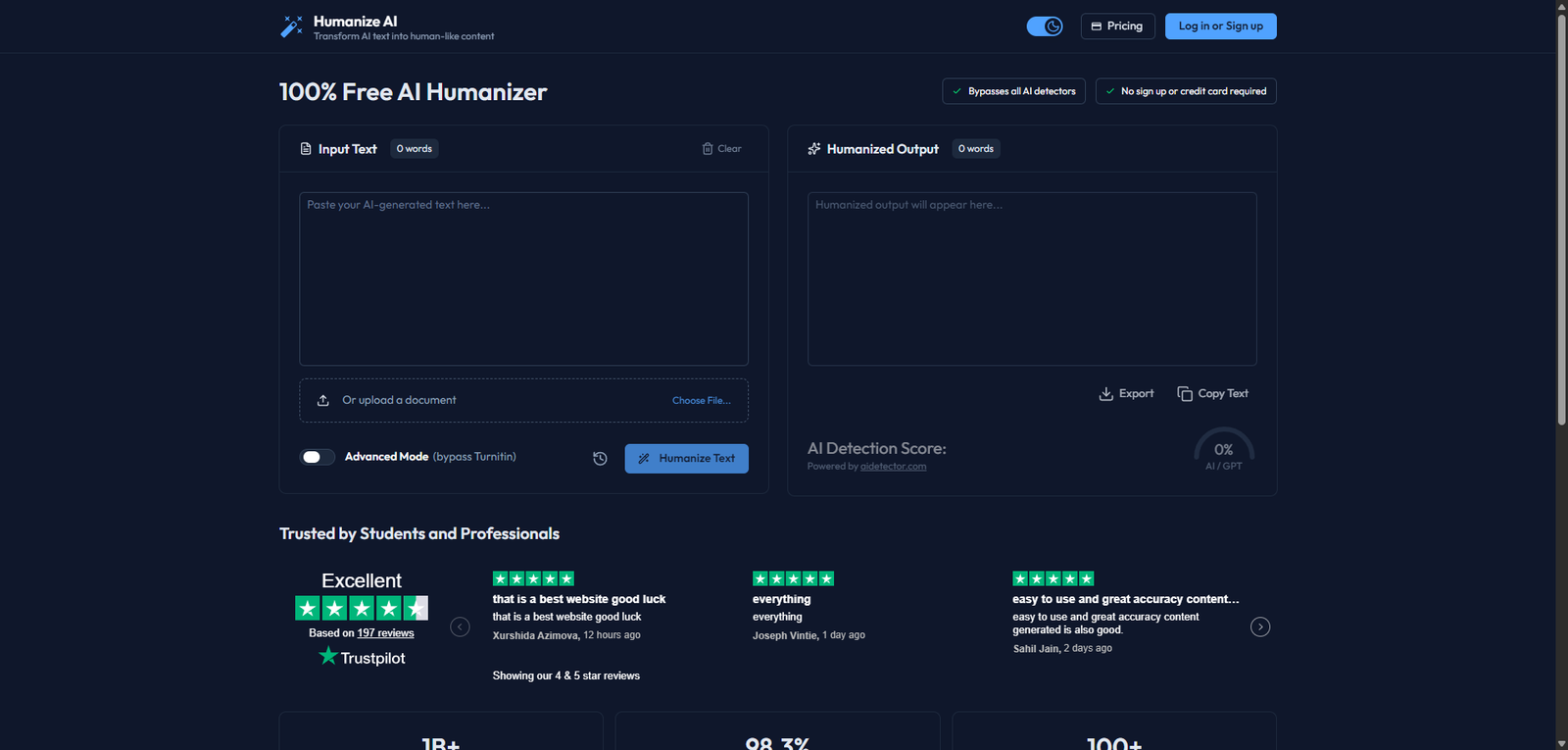
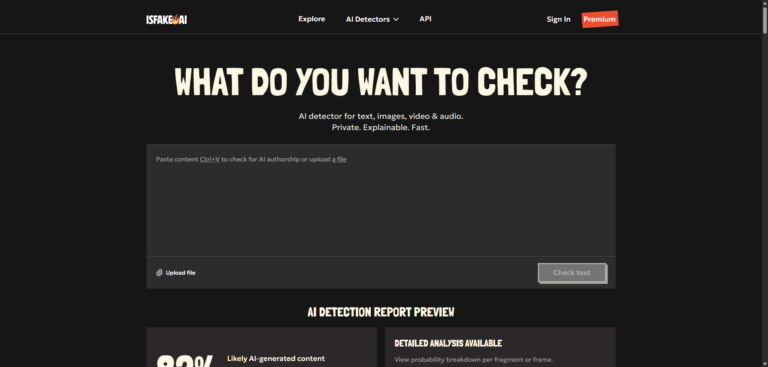
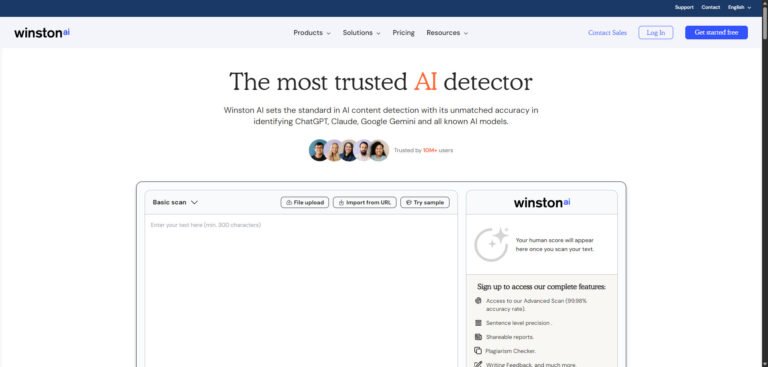
Humanize AI is a free AI humanizer tool designed to rewrite AI-generated content into more natural, human-like text. In this 2026 review, we analyze its features, detection bypass claims, pricing transparency, and real-world performance to determine whether it’s a reliable solution for content creators, students, and marketers.
Humanize AI is a browser-based AI rewriting tool designed to transform machine-generated text into more “human-like” content. Its primary positioning is around helping users reduce AI detection scores (e.g., Turnitin, GPT detectors) while preserving meaning and readability.
Unlike general paraphrasers, Humanize AI emphasizes linguistic variation, tone smoothing, and detection evasion rather than simple synonym replacement.
Pricing Snapshot (2026)
Plan Type
Price
Notes
Free Plan
$0
Limited usage, basic rewriting
Paid Plans
Not clearly disclosed
Likely usage-based or tiered
Trial
Yes
Free access without login
Verdict: Pricing transparency is limited, which may be a concern for long-term users.
Source Type
SaaS (Web-based tool)
No installation required
Works directly in-browser
Key Features
1. AI Text Humanization Engine
Rewrites AI-generated content into more natural language
Attempts to reduce detectable patterns typical of LLM outputs
⚠️ Important Note: Claims of “bypassing AI detectors” should be treated cautiously. No tool guarantees consistent evasion across all detection systems.
4. File Upload Support
Allows document uploads instead of manual paste
Useful for longer content workflows
5. Multi-Language Support
Supports over 100 languages (as claimed)
Useful for global content creators
How It Works
Paste AI-generated text (e.g., from ChatGPT)
Click “Humanize Text”
Review rewritten output
Export or copy the result
The workflow is simple and beginner-friendly, requiring no technical setup.
Use Cases
Content Creators
Improve readability of AI drafts
Add variation to avoid repetitive phrasing
Students
Rewrite AI-assisted essays (note: academic integrity policies may apply)
Marketers
Convert AI-generated copy into more conversational tone
Freelancers
Polish bulk AI content for client delivery
Feature Comparison
Feature
Humanize AI
Typical Paraphraser
AI Writing Tools
AI Detection Focus
Yes
No
Partial
Tone Naturalization
Strong
Basic
Moderate
Built-in Detection Score
Yes
No
Rare
Multi-language
Yes
Yes
Yes
Content Generation
No
No
Yes
Performance Evaluation
Output Quality
Generally readable and fluent
Occasionally introduces awkward phrasing
Best results with moderately complex input
Detection Avoidance
Can reduce AI scores in some tools
Not consistently effective across all detectors
Results vary depending on algorithm updates
Speed
Near-instant results for short to medium text
Slight delays for large documents
E-E-A-T Considerations
Experience: Easy onboarding and minimal friction
Expertise: Focused on a niche (AI detection avoidance)
Authoritativeness: Lacks transparent benchmarks or technical documentation
Trustworthiness: Claims (e.g., “bypass all AI detectors”) should be independently verified
Alternatives
Tool
Best For
QuillBot
Paraphrasing and rewriting
Undetectable AI
Detection-focused rewriting
Grammarly
Style and clarity improvement
Jasper
Full AI content generation
Final Verdict
Humanize AI is a lightweight and accessible tool for rewriting AI-generated content into more natural language. Its strength lies in simplicity and speed, making it suitable for quick edits and basic humanization tasks.
However, it should not be relied upon as a guaranteed solution for bypassing AI detection systems. Output consistency and transparency remain areas for improvement.
Best For:
Casual users
Students (with caution)
Content editors needing quick rewrites
Not Ideal For:
Enterprise workflows
High-stakes academic or compliance use
Advanced content pipelines
FAQ
Is Humanize AI free?
Yes, there is a free version available, though usage limits may apply.
Does it guarantee bypassing AI detectors?
No. While it may reduce detection scores, no tool can guarantee consistent bypass across all systems.
Is it safe to use for academic work?
Use cautiously. Many institutions have strict policies regarding AI-assisted writing.
Does it change the meaning of text?
Sometimes. More aggressive modes can alter nuance, so manual review is recommended.
Share your love
Best Review
“Turning clicks into clients with AI‑supercharged web design & marketing.”
Let’s build your future site ➔
Passionate Web Developer, Freelancer, and Entrepreneur dedicated to creating innovative and user-friendly web solutions. With years of experience in the industry, I specialize in designing and developing websites that not only look great but also perform exceptionally well.