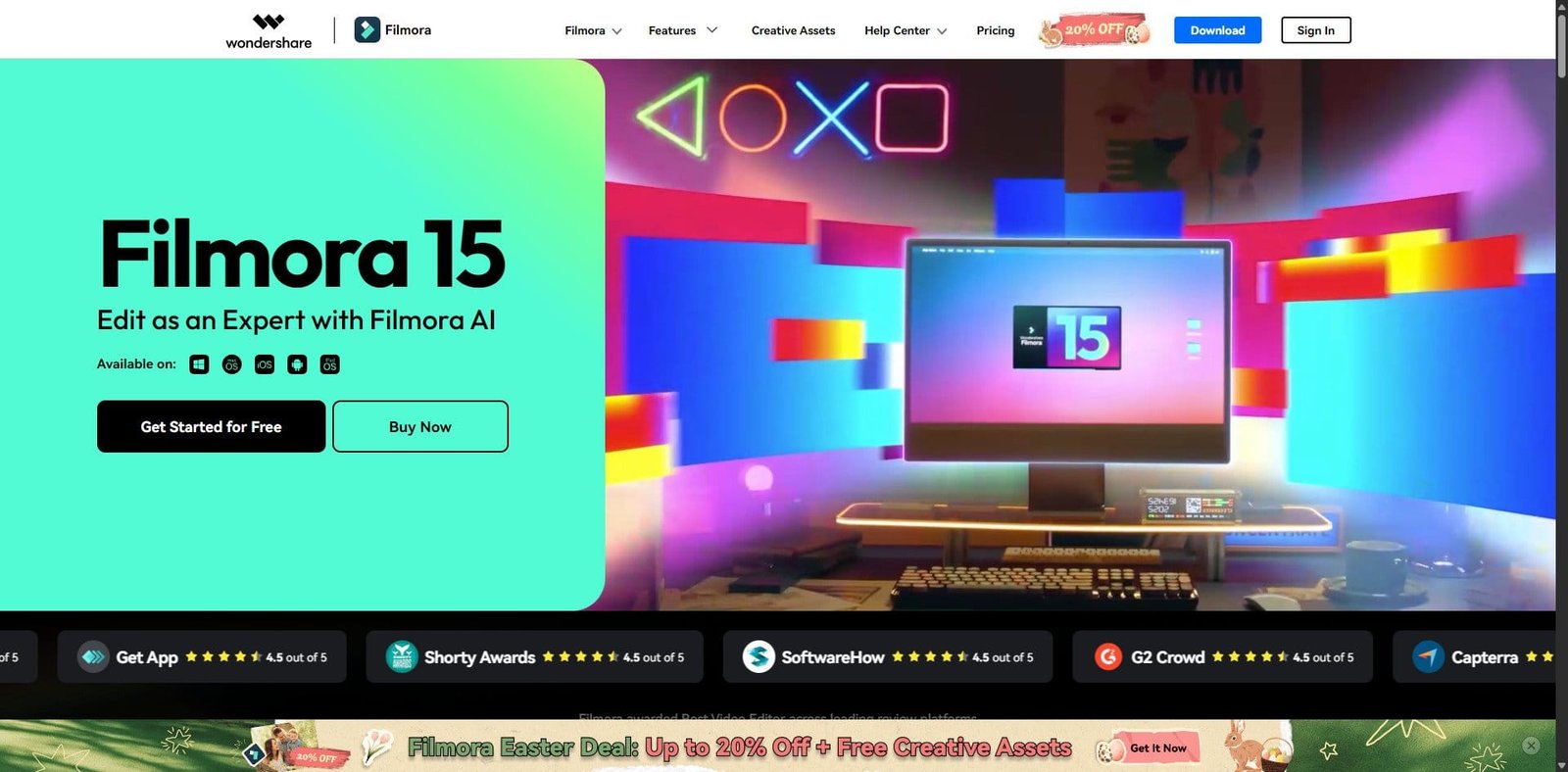
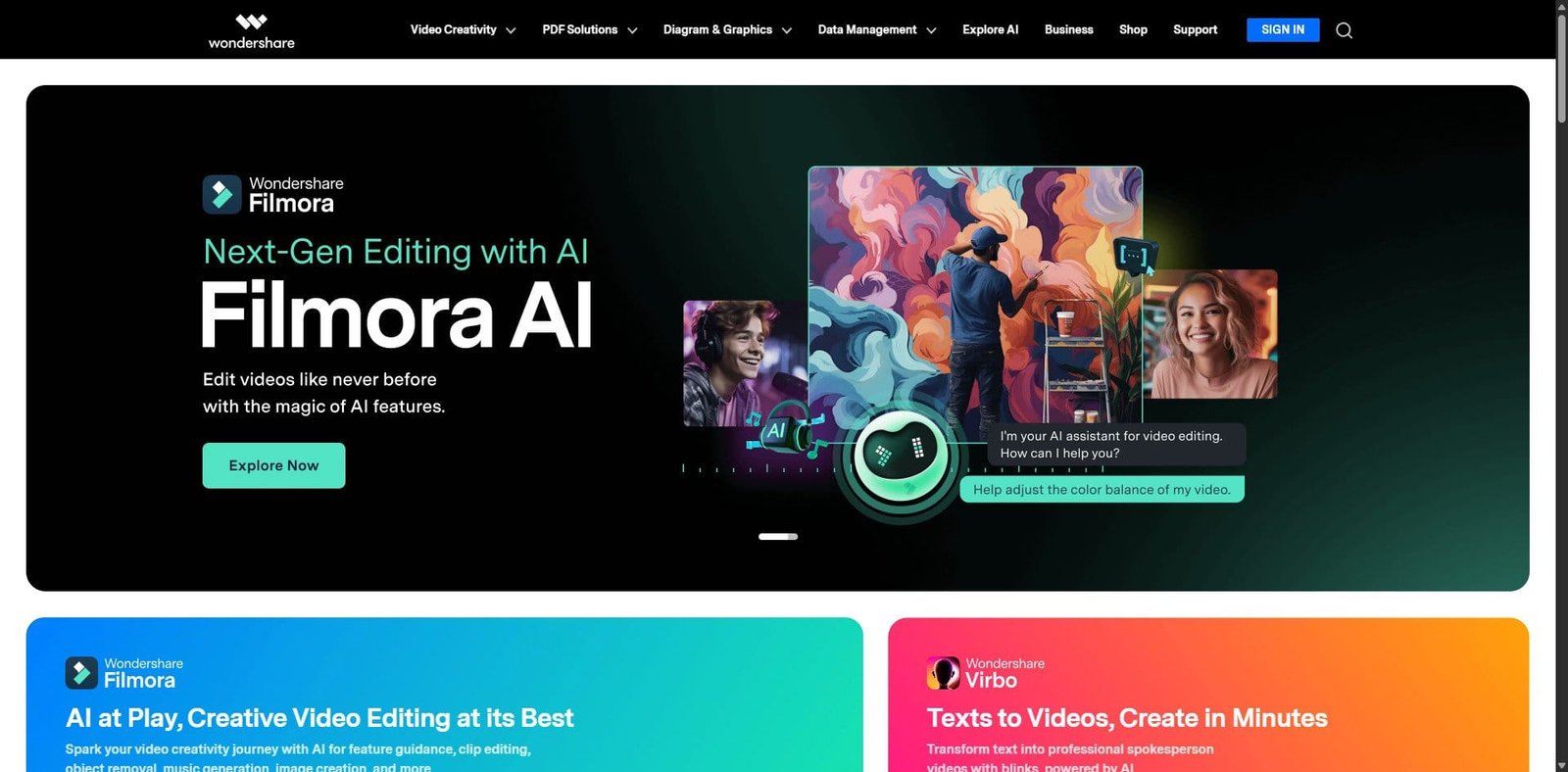
Wondershare Filmora is a consumer-to-prosumer video editing platform designed for creators who need fast results without a steep learning curve. In 2026, Filmora continues to position itself between beginner tools and professional-grade editors, adding AI-assisted features, improved performance, and an expanded asset ecosystem.
It is widely used by YouTubers, marketers, educators, and small businesses that prioritize speed and ease of use over deep manual control.
Pricing Snapshot (2026)
Plan Type
Price (Approx.)
Notes
Free Plan
$0
Watermark on exports
Annual Plan
~$49.99/year
Most popular
Perpetual Plan
~$79.99 one-time
Limited updates
Advanced/AI Add-ons
Extra cost
Credits or subscriptions
Source Type: Official pricing pages and vendor disclosures (subject to regional variation)
Key Features
1. Intuitive Drag-and-Drop Editing
Filmora’s timeline is clean and beginner-friendly. Users can quickly import, trim, and arrange clips with minimal setup.
2. Built-in Effects & Assets Library
Includes transitions, titles, filters, and royalty-free media. The asset store is integrated directly into the editor.
3. AI-Powered Tools (2026 Enhancements)
AI Copilot editing assistance
Text-to-video generation
AI smart cutout and background removal
Auto beat sync for music
4. Audio Editing Suite
Noise reduction
Audio ducking
Voice effects and equalization
5. Cross-Platform Support
Available on Windows, macOS, and mobile devices with project syncing capabilities.
6. Export Flexibility
Supports direct export to platforms like YouTube and multiple format presets.
Primary Use Cases
YouTube content creation
Social media video production
Online course creation
Marketing and ad creatives
Entry-level freelance video editing
Pros and Cons
Pros
Easy to learn and use
Rich built-in effects library
Affordable compared to pro tools
Fast rendering for most workflows
Growing AI feature set
Cons
Limited advanced editing controls
AI tools often require additional payment
Watermark in free version
Not ideal for complex professional workflows
Feature Comparison
Feature
Filmora
Adobe Premiere Pro
DaVinci Resolve
Ease of Use
Excellent
Moderate
Moderate
Advanced Editing
Limited
Excellent
Excellent
AI Features
Strong
Growing
Moderate
Pricing
Affordable
Subscription
Free + Paid
Learning Curve
Low
High
Medium
Performance and User Experience
Filmora performs well on mid-range systems, making it accessible to a broader audience. Timeline responsiveness is smooth for standard 1080p and even moderate 4K projects. However, performance can degrade with heavy effects layering or large-scale edits.
The interface remains one of its strongest advantages—clean, modern, and approachable.
AI Capabilities in 2026
Filmora’s AI expansion is a defining factor in 2026. The platform focuses on reducing manual editing effort:
Automated scene detection
AI-generated captions and subtitles
Smart object tracking
Text-based editing workflows
While useful, many advanced AI features operate on a credit system, which can increase long-term costs.
Alternatives to Consider
Adobe Premiere Elements – Simpler Adobe alternative
Final Cut Pro – Optimized for Apple ecosystem
CapCut – Strong mobile-first editing
Verdict
Filmora in 2026 remains one of the best entry-to-intermediate video editors available. It strikes a strong balance between usability and capability, making it ideal for creators who want professional-looking videos without investing time in mastering complex software.
However, it is not a replacement for high-end editing suites in professional production environments.
FAQ
Is Filmora good for beginners?
Yes, it is one of the easiest video editing tools to learn.
Does Filmora support 4K editing?
Yes, including export and timeline editing.
Is Filmora free?
There is a free version, but exported videos include a watermark.
Is Filmora better than Premiere Pro?
Filmora is easier to use, but Adobe Premiere Pro offers far more advanced capabilities.
Share your love
Best Review
“Turning clicks into clients with AI‑supercharged web design & marketing.”
Let’s build your future site ➔
Passionate Web Developer, Freelancer, and Entrepreneur dedicated to creating innovative and user-friendly web solutions. With years of experience in the industry, I specialize in designing and developing websites that not only look great but also perform exceptionally well.