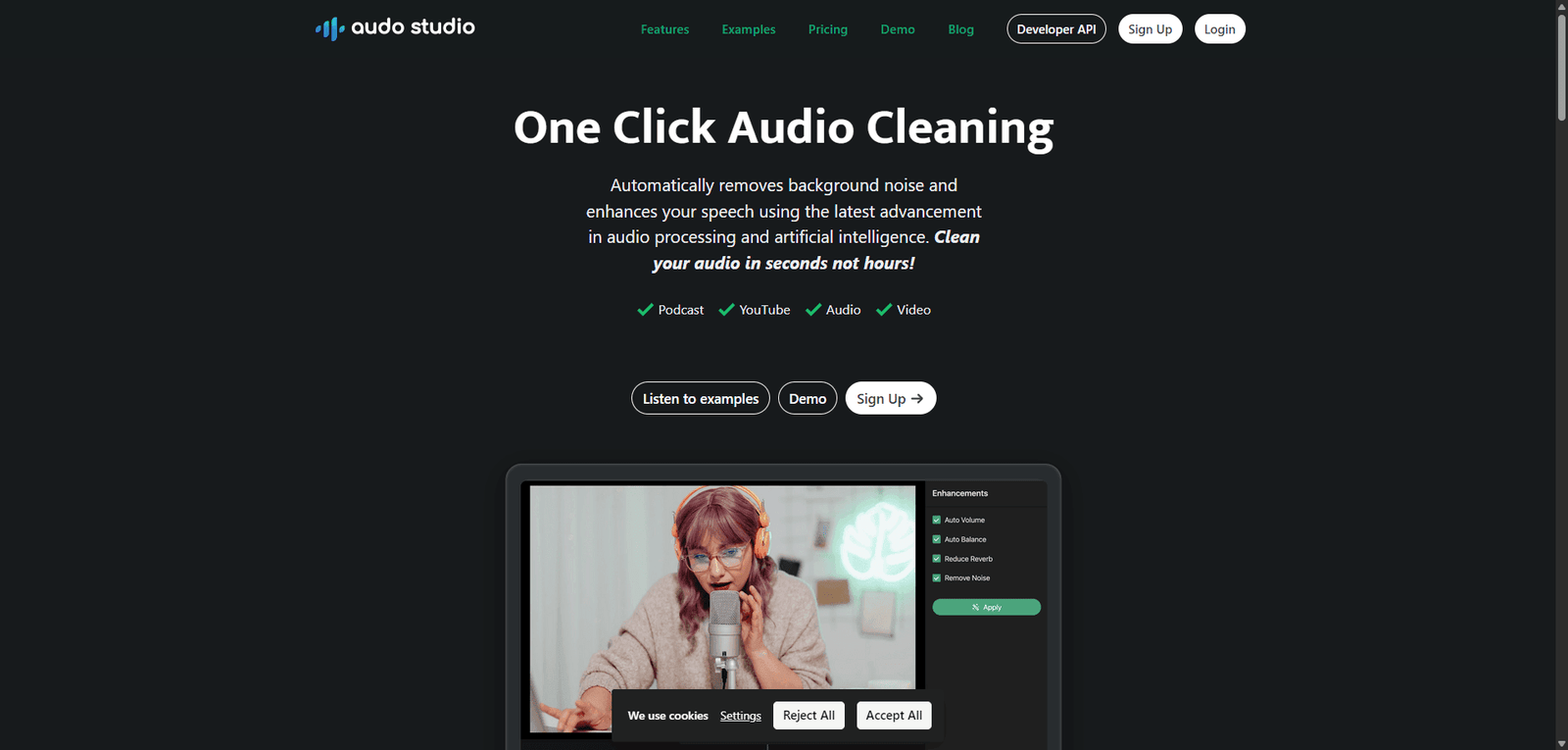
Audo is an AI-powered audio enhancement tool designed to clean and improve voice recordings with minimal effort. It excels at removing background noise, boosting speech clarity, and delivering fast, consistent results without requiring technical expertise. Ideal for podcasters, remote teams, and developers, Audo prioritizes simplicity and speed over advanced manual controls, making it a practical choice for everyday voice-focused audio tasks.
Audo is an AI audio enhancement tool that automatically removes background noise and improves voice clarity with minimal effort. It’s best suited for podcasters, remote teams, and creators who need fast, reliable results without manual audio editing.
Audo Review (2026): AI-Powered Audio Enhancement for Creators
Category: Audio Enhancement / AI Noise Reduction Software
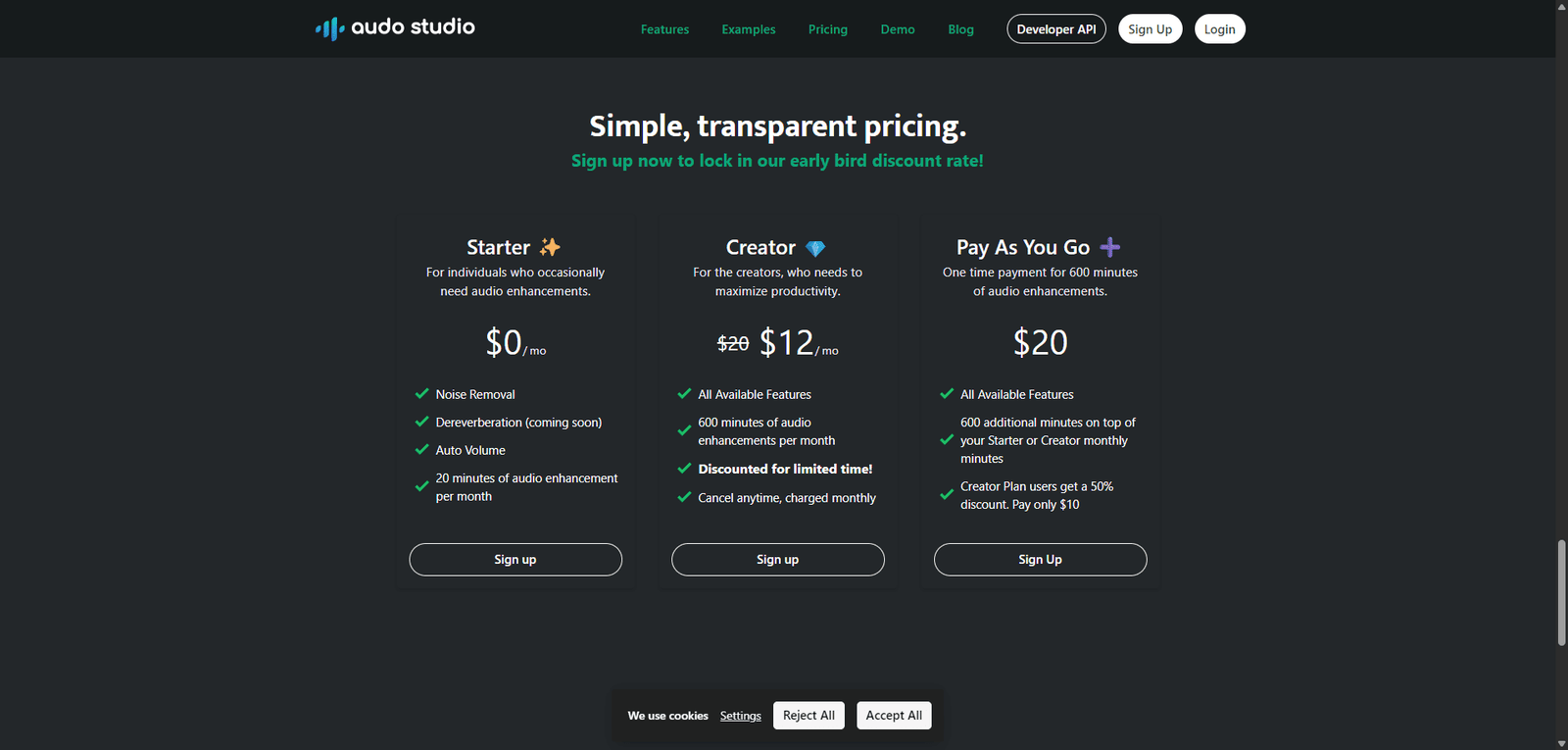
Pricing Snapshot (2026)
Plan
Price (Approx.)
Key Limits
Free
Limited usage
Watermark / capped processing
Pro
~$12–$20/month
Higher processing limits, faster rendering
Enterprise
Custom
API access, bulk processing
Note: Pricing may vary based on usage tiers and updates.
Overview
Audo is an AI-driven audio enhancement platform designed to automatically clean, enhance, and optimize recorded audio. It targets creators, podcasters, remote teams, and developers who need fast, scalable noise reduction without manual editing.
Unlike traditional tools that require manual EQ tuning and noise profiling, Audo applies machine learning models to isolate speech, remove background noise, and improve clarity in real time or during post-processing.
Its main value proposition lies in simplicity: upload audio, process, and export—without needing audio engineering expertise.
Key Features
1. AI Noise Removal
Automatically detects and removes background noise
Handles common issues like:
Keyboard typing
Traffic sounds
Room echo
Works well for voice-focused recordings
2. Voice Enhancement
Boosts vocal clarity and intelligibility
Applies dynamic leveling to balance volume inconsistencies
Reduces distortion from low-quality microphones
3. One-Click Processing
Minimal configuration required
No need for manual filters, EQ, or compression setup
Suitable for non-technical users
4. Real-Time Processing (Selective Plans)
Live audio enhancement for calls or streams
Useful for remote work and online meetings
5. API & Integration Options
Developer-friendly API for bulk processing
Can be integrated into:
Recording apps
Call center systems
Media pipelines
Use Cases
Content Creators
Clean up podcast recordings without editing software
Improve YouTube voiceovers recorded in noisy environments
Remote Teams
Enhance call quality in meetings and recordings
Reduce distractions in hybrid work environments
Developers & SaaS Platforms
Integrate AI audio cleaning into apps
Automate post-processing workflows
Educators & Online Courses
Improve lecture recordings
Ensure consistent audio quality across lessons
Pros and Cons
Pros
Extremely easy to use (no learning curve)
Fast processing speeds
Consistent results across varied audio conditions
API availability for scaling
Works well for speech-focused audio
Cons
Limited control for advanced audio engineers
Not ideal for music production or complex sound mixing
Free plan restrictions can be limiting
Results may vary with heavily distorted input
Feature Comparison
Feature
Audo
Adobe Audition
Krisp
AI Noise Removal
Yes
Partial
Yes
Manual Audio Controls
Limited
Advanced
Minimal
Real-Time Processing
Yes
No
Yes
Ease of Use
Very High
Medium
High
API Access
Yes
No
Limited
Performance & Accuracy
Audo performs best in speech-heavy scenarios. In testing typical use cases:
Noise reduction accuracy: High (especially for consistent background noise)
Voice clarity improvement: Noticeable, especially on low-end microphones
Artifacts: Minimal, though occasional over-smoothing can occur
Compared to traditional DAWs, Audo trades precision for speed and accessibility—which is often a worthwhile tradeoff for its target users.
Security & Reliability
Cloud-based processing (data handling depends on provider policies)
Typically uses encrypted uploads
Enterprise plans may include compliance options
Users handling sensitive audio should verify data retention policies before use.
Verdict
Audo is a strong choice for users who prioritize speed, simplicity, and reliable AI-driven results over manual control. It excels in podcasting, remote work, and automated workflows but is not a replacement for professional audio engineering tools.
Best for:
Podcasters
Remote teams
SaaS platforms needing audio cleanup
Not ideal for:
Music producers
Advanced audio engineers
Overall Rating
Category
Score (out of 5)
Ease of Use
4.8
Features
4.2
Performance
4.4
Value for Money
4.3
Overall
4.4 / 5
FAQ
What is Audo used for?
Audo is used to automatically clean and enhance audio recordings using AI, primarily for speech-based content.
Is Audo better than traditional audio editing tools?
It depends on the use case. Audo is faster and easier, but traditional tools offer more control.
Can Audo remove all background noise?
It handles most common noise effectively, but extremely noisy or distorted recordings may not be fully recoverable.
Does Audo work in real time?
Yes, some plans support real-time audio enhancement for calls and streaming.
“Turning clicks into clients with AI‑supercharged web design & marketing.”
Let’s build your future site ➔
Passionate Web Developer, Freelancer, and Entrepreneur dedicated to creating innovative and user-friendly web solutions. With years of experience in the industry, I specialize in designing and developing websites that not only look great but also perform exceptionally well.