Independent reviews. No paid rankings. No sponsored placements.
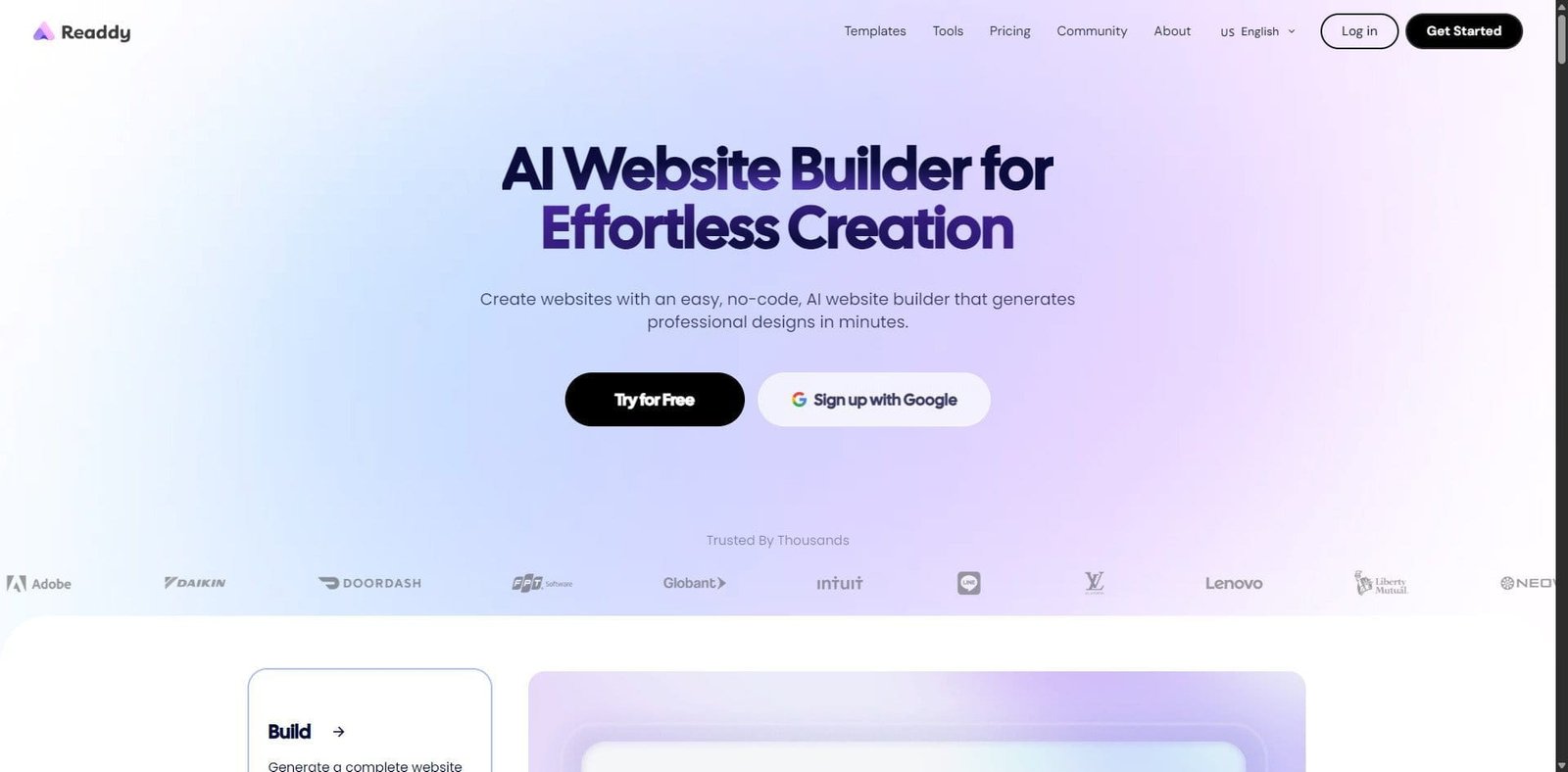
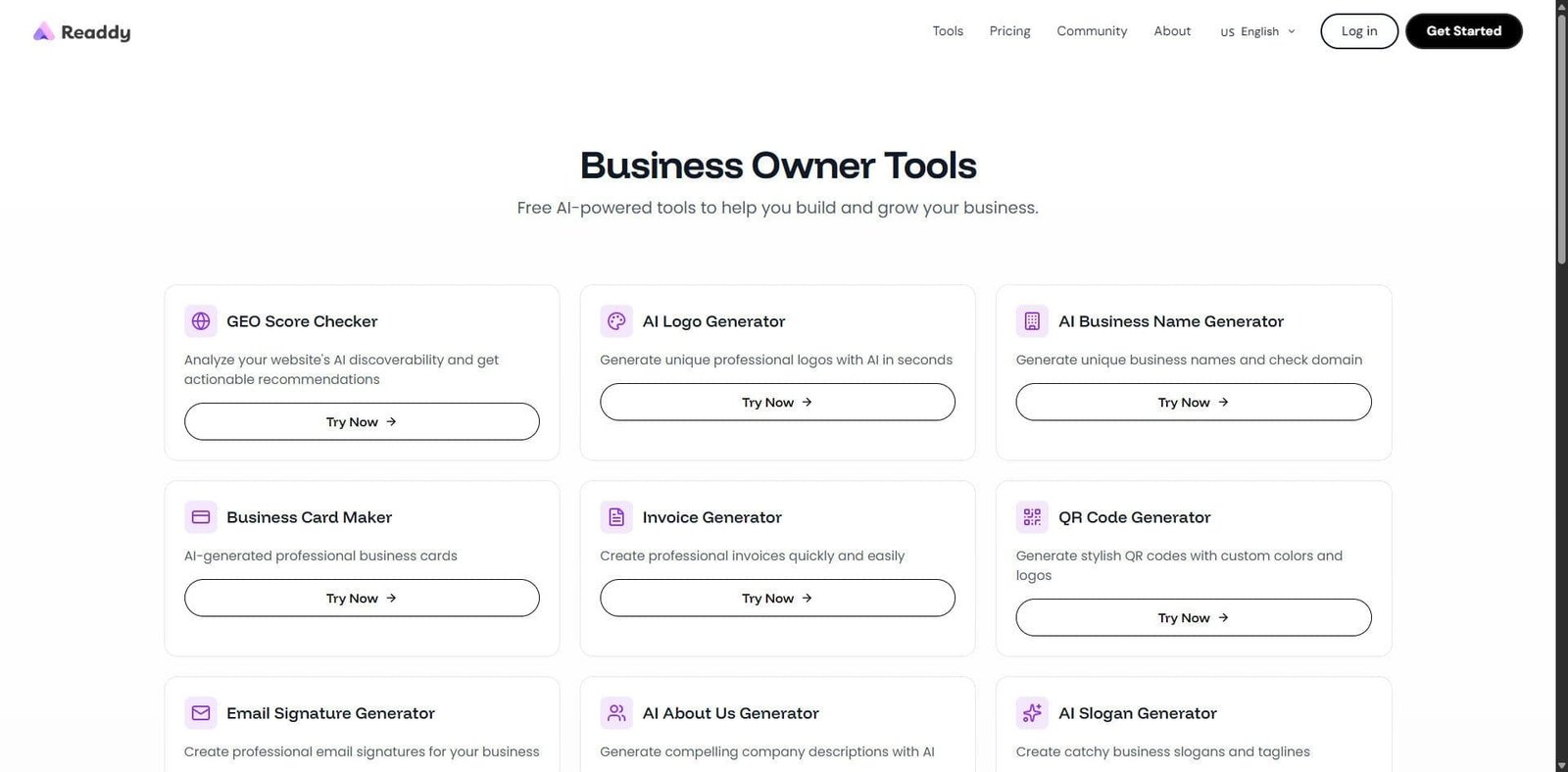

Readdy is an emerging AI-powered platform designed to convert UI designs and prompts into production-ready frontend code. Positioned between no-code builders and traditional development frameworks, Readdy aims to accelerate web development by automating layout creation, styling, and component generation.
In 2026, it targets startups, indie developers, and product teams looking to shorten the gap between design and deployment.
Pricing Snapshot (2026)
| Plan Type | Price (Approx.) | Notes |
|---|---|---|
| Free Plan | Limited | Basic generation and exports |
| Pro Plan | ~$20–$50/month | Full features and higher limits |
| Team Plan | Custom | Collaboration and scaling |
| AI Usage Credits | Variable | Based on generation volume |
Source Type: Vendor pricing pages and usage-based estimates (subject to change)
Key Features
1. UI-to-Code Generation
Readdy can convert design prompts or layouts into frontend code (HTML, CSS, React components), reducing manual development effort.
2. Prompt-Based Website Creation
Users can describe a website in natural language, and the platform generates structured UI layouts.
3. Component-Based Architecture
Generated outputs follow modular design principles, making it easier to edit and scale projects.
4. Live Preview and Editing
Developers can tweak layouts in real time with instant visual feedback.
5. Exportable Code
Unlike many no-code tools, Readdy allows exporting clean code for deployment or further customization.
Primary Use Cases
- Rapid prototyping for startups
- MVP development
- Landing page creation
- Frontend scaffolding for developers
- Design-to-development workflows
Pros and Cons
Pros
- Speeds up frontend development significantly
- Reduces dependency on manual coding for basic layouts
- Clean, exportable code output
- Accessible for non-developers and designers
- Supports modern frameworks
Cons
- Limited backend capabilities
- Requires manual refinement for complex apps
- Output quality depends on prompt clarity
- AI-generated code may need optimization
- Pricing tied to usage can scale quickly
Feature Comparison
| Feature | Readdy | Webflow | Framer |
|---|---|---|---|
| AI Code Generation | Strong | Limited | Moderate |
| Visual Editing | Moderate | Excellent | Excellent |
| Code Export | Yes | Limited | Yes |
| Learning Curve | Low–Moderate | Moderate | Low |
| Best For | Dev-focused AI builds | Designers | Interactive sites |
Performance and User Experience
Readdy offers a streamlined workflow where users can move from idea to interface quickly. The interface is minimal and geared toward productivity, with a strong emphasis on prompt-based interaction.
Performance is generally smooth, though complex UI generations may take longer depending on request size. The real value lies in iteration speed—users can refine designs in seconds instead of hours.
AI Capabilities in 2026
Readdy’s AI focuses on design-to-code automation:
- Natural language UI generation
- Smart layout structuring
- Responsive design suggestions
- Component reuse and optimization
While powerful, it still requires human oversight for production-grade applications.
Alternatives to Consider
- Builder.io – Strong visual editing with developer flexibility
- Uizard – Focus on UI prototyping
- Wix ADI – Beginner-friendly site generation
Verdict
eaddy in 2026 represents a growing category of AI-driven development tools that bridge the gap between design and code. It is particularly effective for rapid prototyping and frontend scaffolding, offering tangible productivity gains for developers and small teams.
However, it is not a full replacement for traditional development workflows—especially for complex, scalable applications.
FAQ
What does Readdy do?
It converts UI designs and prompts into frontend code using AI.
Is Readdy suitable for beginners?
Yes, but some coding knowledge helps when refining outputs.
Can Readdy replace developers?
No, it accelerates development but still requires human input.
Does Readdy support backend development?
No, it primarily focuses on frontend generation.