Independent reviews. No paid rankings. No sponsored placements.

If you think choosing a CMS is stressful, wait until you realize you’re also responsible for protecting user data, preventing hacks, staying compliant with regulations, and somehow not breaking your entire website in the process.
CMS security and compliance are not optional add-ons—they are foundational requirements. Whether you’re running a blog, SaaS platform, eCommerce store, or enterprise system, a single vulnerability can lead to data breaches, legal penalties, and loss of trust.
Best Content Management Systems (CMS) in 2026
This guide explores CMS security and compliance in depth, including threats, best practices, regulatory frameworks, and how to secure your platform effectively.
What Is CMS Security?
CMS security refers to the practices, tools, and technologies used to protect a content management system from cyber threats, unauthorized access, and data breaches.
Key Objectives of CMS Security
- Protect sensitive user data
- Prevent unauthorized access
- Ensure system integrity
- Maintain uptime and availability
Common CMS Security Threats
1. Brute Force Attacks
Hackers attempt to guess login credentials using automated scripts.
2. SQL Injection
Malicious code is injected into databases to extract or manipulate data.
3. Cross-Site Scripting (XSS)
Attackers inject scripts into web pages viewed by users.
4. Malware and Ransomware
Malicious software can compromise or lock your website.
5. DDoS Attacks
Overwhelming traffic crashes your site.
What Is Compliance in CMS?
Compliance refers to adhering to legal, regulatory, and industry standards related to data protection and privacy.
Why Compliance Matters
- Avoid legal penalties
- Build user trust
- Protect sensitive data
Major Compliance Standards
GDPR (General Data Protection Regulation)
Applies to businesses handling EU user data.
HIPAA (Health Insurance Portability and Accountability Act)
Relevant for healthcare data.
PCI DSS (Payment Card Industry Data Security Standard)
Required for handling payment information.
CCPA (California Consumer Privacy Act)
Focuses on consumer data rights in California.
Key Security Features to Look for in a CMS
1. Regular Updates and Patches
2. Role-Based Access Control (RBAC)
3. SSL/HTTPS Support
4. Backup and Recovery
5. Firewall and Malware Scanning
Best Practices for CMS Security
Use Strong Passwords
Enable Two-Factor Authentication (2FA)
Keep Software Updated
Limit User Permissions
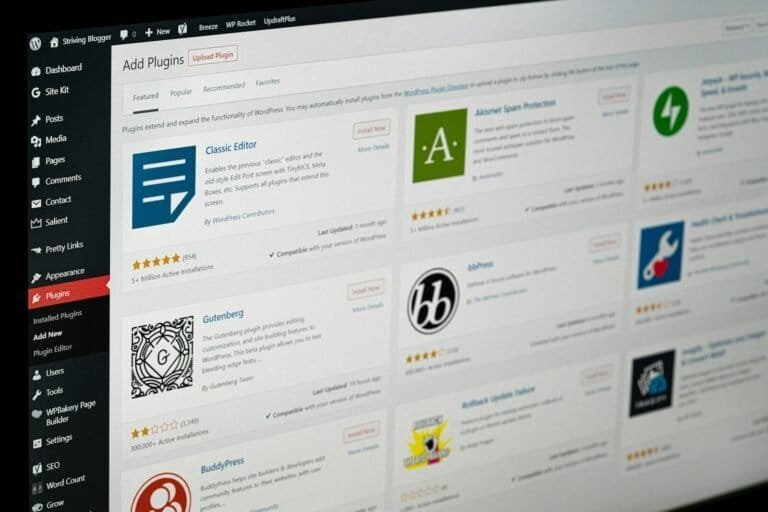
Install Security Plugins
CMS Security Tools and Plugins
- Wordfence
- Sucuri
- iThemes Security
How to Ensure Compliance
Data Encryption
Privacy Policies
Cookie Consent Management
Data Access Controls
Security in Popular CMS Platforms
WordPress
Requires plugins and maintenance.
Shopify
Built-in security features.
Drupal
Highly secure for enterprise use.
CMS Security Checklist
- Update regularly
- Use HTTPS
- Backup data
- Monitor activity
Future Trends in CMS Security
- AI-driven threat detection
- Zero-trust architecture
- Automated compliance monitoring
Conclusion
CMS security and compliance are critical for protecting your website and users. By implementing best practices and choosing secure platforms, you can reduce risks and ensure long-term success.
FAQs
1. Why is CMS security important?
It protects your website from cyber threats and ensures user data safety.
2. What is the biggest CMS security risk?
Outdated software and weak passwords are among the biggest risks.
3. Do all CMS platforms need security plugins?
Not all, but many benefit from additional security layers.
4. What is compliance in CMS?
It means following legal standards for data protection and privacy.
5. How often should I update my CMS?
Regularly, ideally as soon as updates are released.