Independent reviews. No paid rankings. No sponsored placements.
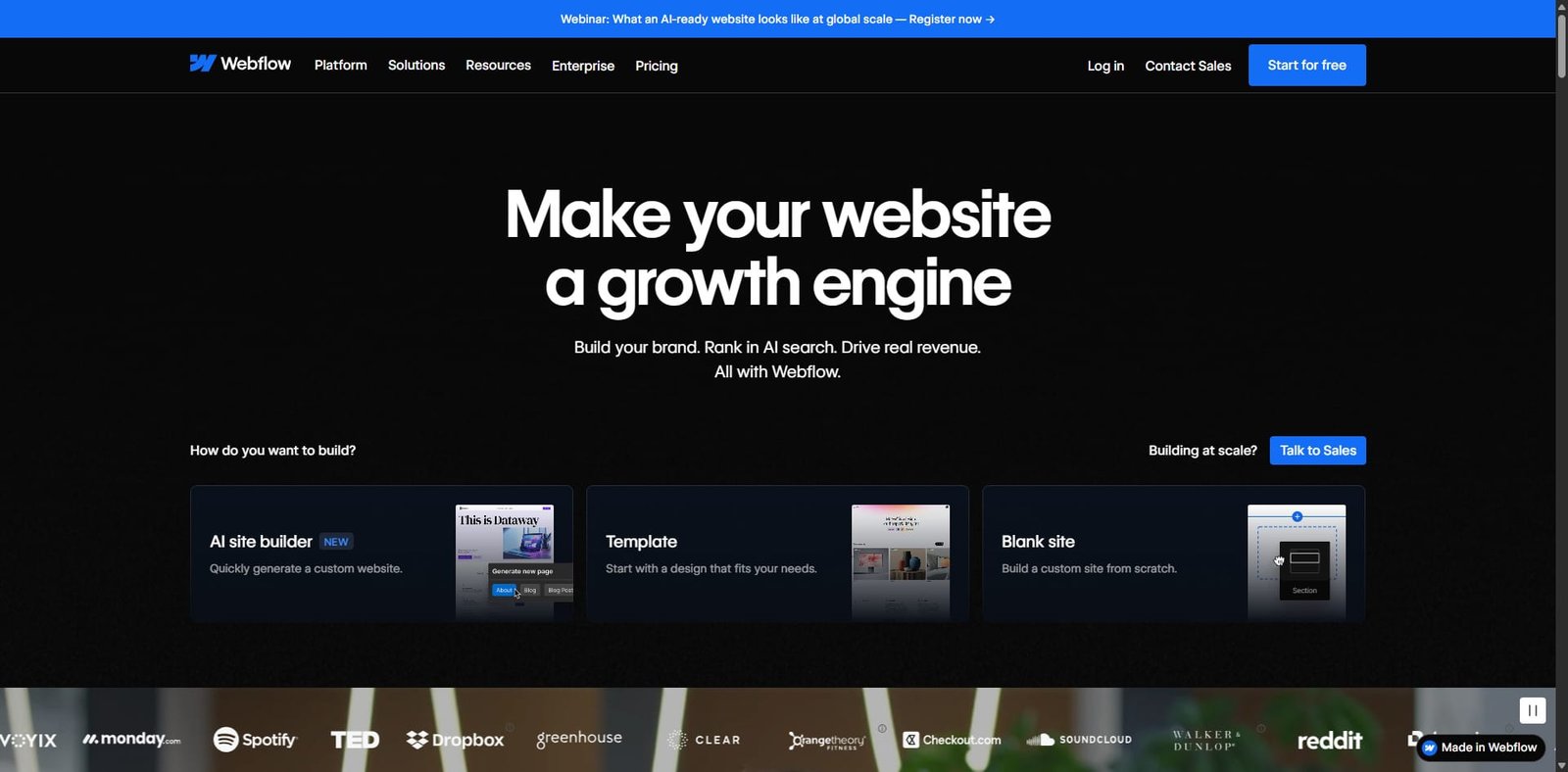

Webflow is a powerful no-code website design and development platform that enables users to build responsive websites visually without writing code. It combines design tools, CMS functionality, and hosting in one platform, making it popular among designers, developers, startups, and marketing teams.
Unlike traditional website builders, Webflow provides full design control using a visual interface that mirrors HTML, CSS, and JavaScript structures. This allows users to create professional-grade websites while maintaining clean code output and responsive layouts.
Key Features
Visual Website Designer
Webflow provides a drag-and-drop visual editor that allows users to design fully responsive websites with pixel-level control.
Highlights
- Visual CSS styling tools
- Responsive design controls
- Flexbox and grid layout support
- Real-time design preview
Webflow CMS
The built-in CMS allows users to manage dynamic website content easily.
Highlights
- Custom content collections
- Dynamic page generation
- Visual content editing
- Ideal for blogs, portfolios, and marketing sites
Hosting and Performance
Webflow offers fast and reliable hosting optimized for performance and scalability.
Highlights
- Global CDN hosting
- Automatic SSL certificates
- Fast page loading speeds
- Built-in security and backups
Animations and Interactions
Webflow includes advanced animation tools for creating interactive web experiences.
Highlights
- Scroll-based animations
- Hover and click interactions
- Custom animations without coding
- Visual timeline editor
Collaboration Tools
Teams can collaborate on projects and manage workflows directly within the platform.
Highlights
- Team collaboration features
- Content editor access for non-designers
- Version control for site updates
Pricing
Webflow offers multiple pricing tiers depending on whether users need a website plan or workspace plan.
| Plan | Starting Price | Best For |
|---|---|---|
| Starter | Free | Learning and small projects |
| Basic | ~$14/month | Simple websites |
| CMS | ~$23/month | Content-driven websites |
| Business | ~$39/month | High-traffic websites |
| Enterprise | Custom pricing | Large organizations |
Workspace plans for teams and agencies are also available.
Pros and Cons
Pros and Cons
| Pros | Cons |
|---|---|
| Professional-level design control | Learning curve for beginners |
| No-code development environment | Higher pricing compared to basic builders |
| Built-in CMS and hosting | Limited plugin ecosystem compared to WordPress |
| Advanced animations and interactions | |
| Clean code export capabilities |
Use Cases
Designers
- Build visually stunning websites
- Control layouts and animations without coding
Agencies
- Develop custom websites for clients
- Manage multiple projects efficiently
Startups
- Launch marketing websites quickly
- Maintain control over design and content
Businesses
- Create scalable company websites
- Manage content with built-in CMS tools
Alternatives
Several website builders compete with Webflow.
| Platform | Best For |
|---|---|
| WordPress | Highly customizable websites |
| Wix | Beginner-friendly website builder |
| Squarespace | Design-focused websites |
| Framer | Modern AI-powered web design |
| Shopify | E-commerce websites |
Integrations
Webflow integrates with many tools for marketing, analytics, and automation.
Key integrations include:
- Google Analytics
- Zapier
- Mailchimp
- HubSpot
- Stripe
These integrations allow businesses to extend website functionality and automate workflows.
Ratings
| Category | Rating |
|---|---|
| Ease of Use | ⭐⭐⭐⭐☆ (4.3/5) |
| Design Flexibility | ⭐⭐⭐⭐⭐ (4.8/5) |
| Performance | ⭐⭐⭐⭐⭐ (4.7/5) |
| Value for Money | ⭐⭐⭐⭐☆ (4.2/5) |
| Overall | ⭐⭐⭐⭐☆ (4.5/5) |
FAQ
What is Webflow used for?
Webflow is used to design, build, and launch responsive websites without coding.
Is Webflow good for beginners?
Yes, but there is a learning curve compared to simpler builders like Wix.
Does Webflow include hosting?
Yes. Webflow includes fast hosting with global CDN and SSL certificates.
Can developers export code from Webflow?
Yes. Webflow allows users to export clean HTML, CSS, and JavaScript code.
Is Webflow better than WordPress?
It depends on needs. Webflow offers visual design control, while WordPress provides a larger plugin ecosystem.
Final Verdict
Webflow stands out as one of the most powerful no-code website builders available today. Its combination of visual design tools, CMS capabilities, and high-performance hosting makes it a strong choice for designers and businesses that want complete creative control without traditional coding.
For users who need advanced design flexibility and professional-quality websites, Webflow is one of the best platforms available.
TL;DR
- Webflow is a no-code platform for designing and launching responsive websites.
- Combines visual design tools, CMS, and hosting in one platform.
- Ideal for designers, agencies, and businesses needing full design control.
- One of the most powerful modern website builders available.
