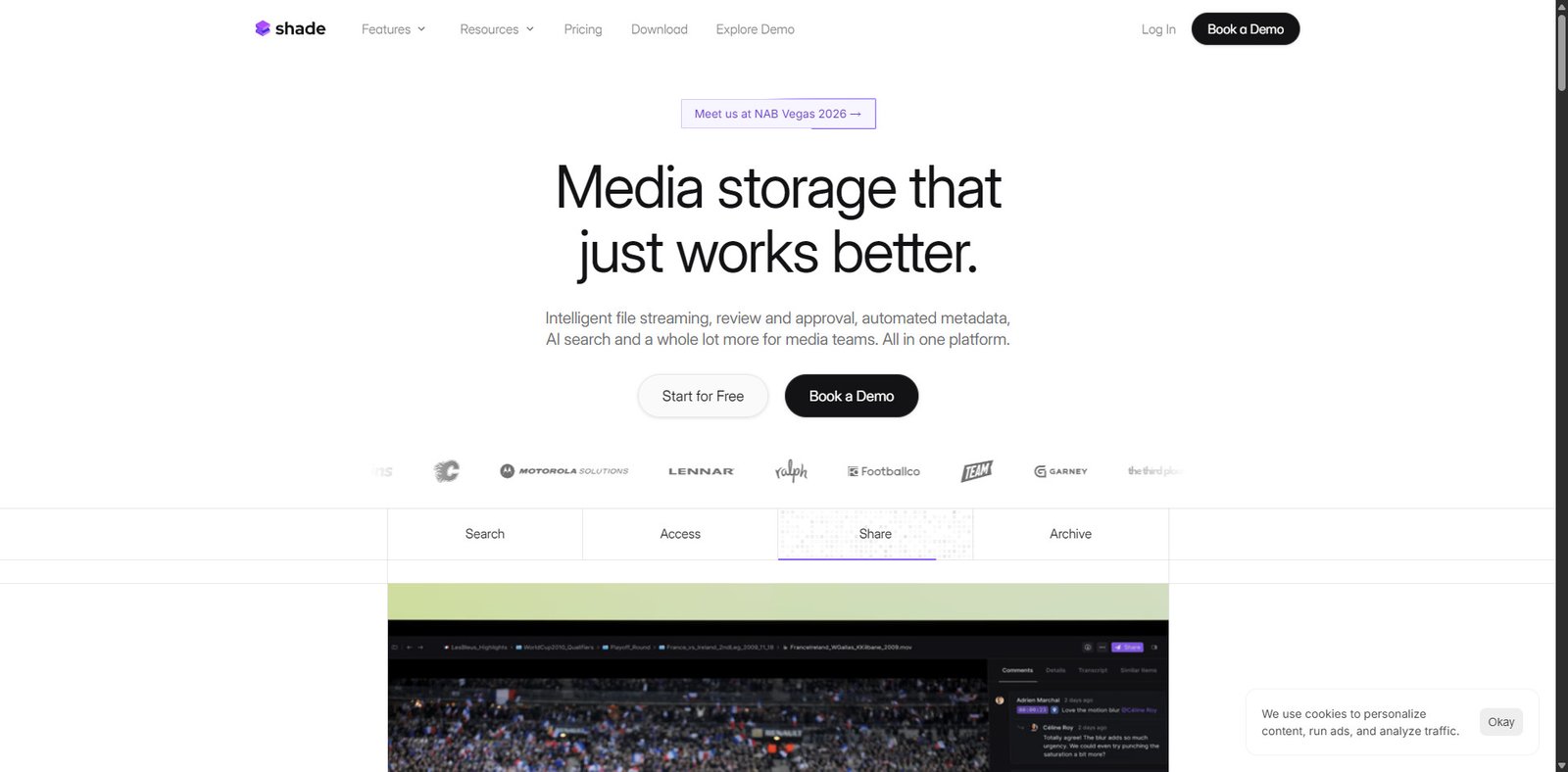
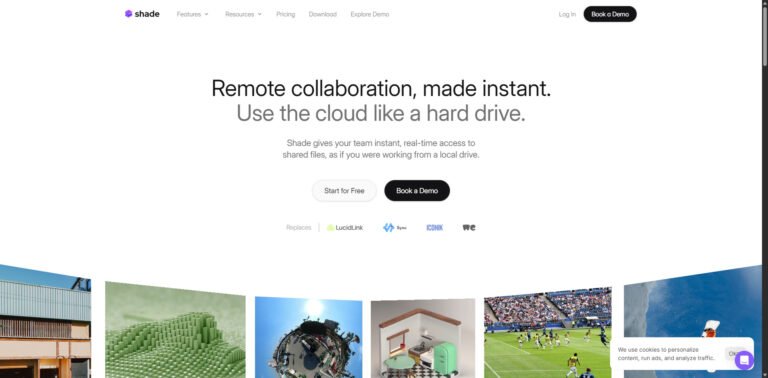
Shade is an emerging AI-powered productivity tool positioned around privacy-first workflows and local data control. Unlike many cloud-dependent AI assistants, Shade emphasizes processing data locally or in secure environments, making it appealing to users concerned about data exposure.
The platform blends AI assistance with note-taking, summarization, and workflow automation—similar to tools in the knowledge management and AI assistant space—but differentiates itself through privacy architecture and minimal data retention policies.
Pricing Snapshot (2026)
Plan
Price (Est.)
Key Features
Free
$0
Basic AI usage, limited local features
Pro
$10–$20/month
Full AI features, higher processing limits
Local+
One-time / Custom
Offline/local model execution
Team
Custom
Collaboration + enterprise controls
Pricing may vary depending on deployment (cloud vs local).
Core Value Proposition
Shade targets users who want AI-powered productivity without compromising sensitive data. Its value lies in combining:
AI assistance
Knowledge management
Privacy-first infrastructure
This makes it particularly relevant in industries where data confidentiality is critical.
Key Features
1. Privacy-First AI Processing
Supports local or secure environment execution
Minimal or no data retention policies
Reduced reliance on third-party cloud APIs
2. AI Notes & Knowledge Base
Create and organize notes with AI assistance
Summarize documents and conversations
Context-aware suggestions across notes
3. Workflow Automation
Automates repetitive writing and analysis tasks
Generates summaries, outlines, and insights
Integrates with productivity workflows
4. Offline / Local Model Support
Run AI models locally (depending on setup)
Useful for restricted environments
Reduces dependency on internet connectivity
5. Clean Minimal Interface
Distraction-free UI
Focus on text-based productivity
Lightweight compared to full-scale platforms
Use Cases
Privacy-Conscious Professionals
Handle sensitive documents without cloud exposure
Maintain control over internal knowledge
Developers & Technical Users
Run AI locally for coding notes or documentation
Experiment with private AI workflows
Writers & Researchers
Organize ideas and summaries securely
Avoid sharing drafts with external servers
Teams (Enterprise Context)
Internal documentation and knowledge bases
Secure collaboration environments
Pros and Cons
Pros
Strong privacy and local-first approach
Flexible deployment (cloud or local)
Clean and focused user experience
Useful for sensitive workflows
Cons
Setup complexity for local usage
Smaller ecosystem compared to major AI tools
Performance depends on local hardware (if offline)
Limited integrations compared to competitors
Feature Comparison
Feature
Shade
Notion AI
ChatGPT (Cloud)
Privacy-first architecture
Yes
Limited
Limited
Local AI support
Yes
No
No
Knowledge management
Yes
Yes
Partial
Offline capability
Yes
No
No
Ease of setup
Medium
Easy
Easy
Performance & Reliability
Shade performs well in:
Text summarization
Note organization
Lightweight workflows
Performance considerations:
Local mode depends heavily on device capability
Cloud mode may be limited compared to larger AI providers
Some advanced AI features may lag behind leading models
Security & Privacy Analysis
Privacy is Shade’s core differentiator:
Local processing minimizes data exposure
Reduced reliance on centralized servers
Suitable for compliance-sensitive workflows
However:
Users must configure local environments properly
Security ultimately depends on implementation and usage
Alternatives
Tool
Strength
Limitation
Notion AI
All-in-one workspace
Cloud-dependent
Obsidian + AI
Local knowledge base flexibility
Requires plugins/setup
Anytype
Decentralized knowledge system
Smaller ecosystem
Verdict
Shade is a compelling option for users who prioritize privacy and control over convenience. While it may not match the feature depth or ecosystem of mainstream AI tools, it fills an important niche in secure AI productivity.
It is best suited for technically inclined users, professionals handling sensitive data, and teams requiring local-first AI solutions.
FAQ
What is Shade used for?
Shade is used for AI-assisted note-taking, summarization, and workflow automation with a focus on privacy and local data control.
Does Shade work offline?
Yes, depending on configuration, it supports local/offline AI processing.
Is Shade better than cloud AI tools?
It depends on priorities—Shade is better for privacy, while cloud tools offer more power and convenience.
Who should use Shade?
Privacy-conscious users, developers, researchers, and teams handling sensitive information.
SEO Metadata (Rank Math Optimized)
Meta Title: Shade Review 2026: Privacy-First AI Productivity Tool
Meta Description: Detailed Shade review covering features, pricing, pros, and privacy capabilities. See if this local-first AI tool is right for you.
Focus Keyword: Shade review
Slug: shade-review-2026
Internal Linking Suggestions
Best privacy-focused AI tools
Local AI tools for developers
Notion AI alternatives
Offline AI productivity apps
Schema-Friendly Summary
Software Name: Shade
Category: AI Productivity / Privacy Tool
Operating System: Web + Desktop (Local Support)
Pricing Model: Freemium / Hybrid
Best For: Secure AI workflows, private knowledge management
If you want, I can also create a GitSummarize vs Shade comparison review or a “best privacy AI tools” roundup article optimized for your site.
Share your love
Best Review
“Turning clicks into clients with AI‑supercharged web design & marketing.”
Let’s build your future site ➔
Passionate Web Developer, Freelancer, and Entrepreneur dedicated to creating innovative and user-friendly web solutions. With years of experience in the industry, I specialize in designing and developing websites that not only look great but also perform exceptionally well.