Cliptalk Review (2026): AI-Powered Video Clipping and Content Repurposing Tool
In-depth Cliptalk review covering features, pricing, pros & cons, and alternatives. Discover if this AI video clipping tool is right for your content strategy.
Cliptalk delivers strong value for creators prioritizing speed and scalability in short-form video production. While not a replacement for full-featured editing software, it effectively automates repetitive workflows and helps maximize content reach across modern platforms.
Overview
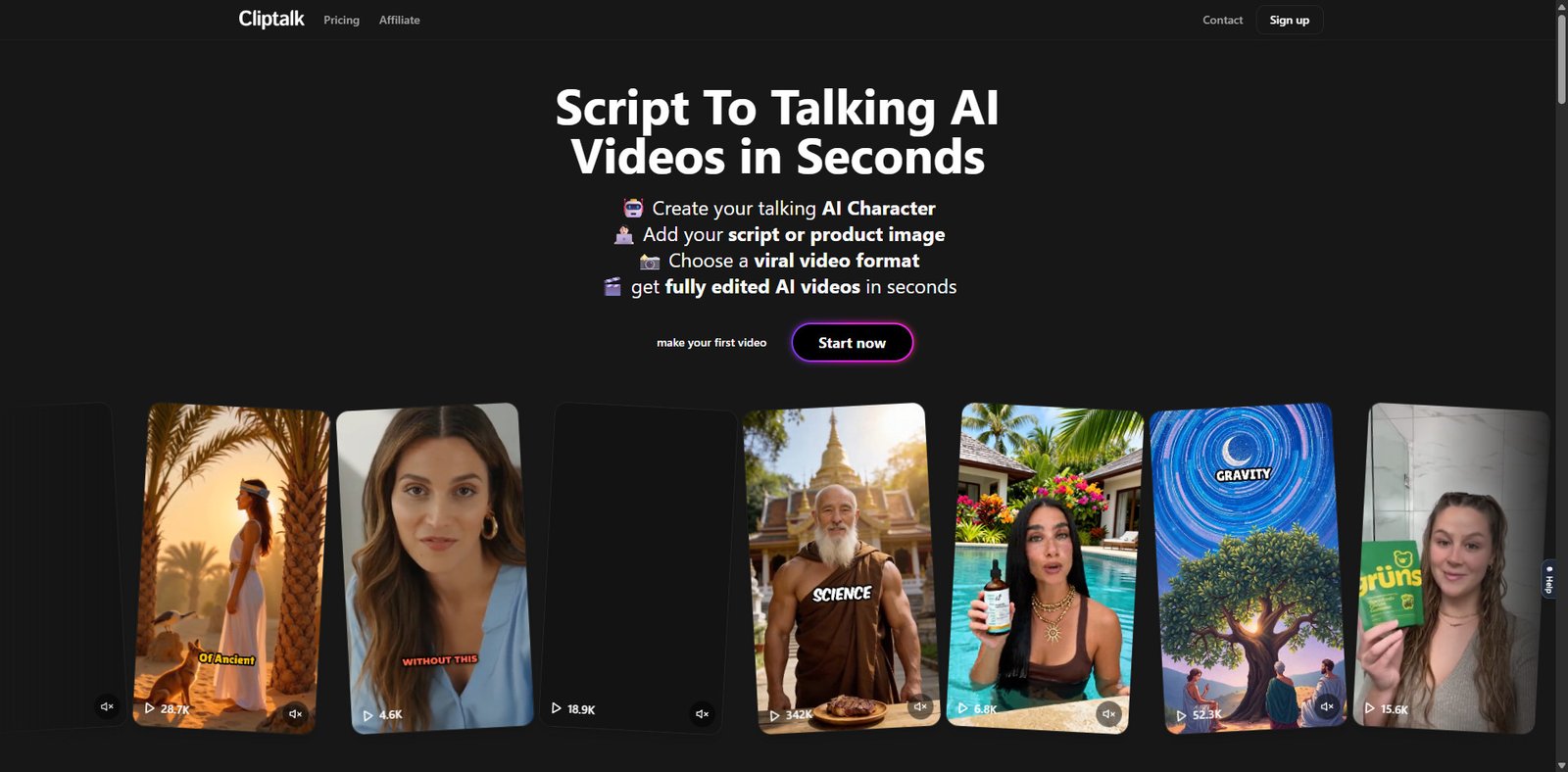
Cliptalk is an AI-powered content repurposing platform designed to transform long-form videos into short, social-media-ready clips. It targets creators, marketers, and agencies looking to scale short-form content production for platforms like TikTok, Instagram Reels, and YouTube Shorts.
The tool leverages speech recognition, scene detection, and AI-based highlight extraction to automate what is traditionally a time-consuming manual editing workflow. As of 2026, Cliptalk positions itself among a growing class of AI video clipping tools that aim to reduce editing effort while maintaining engagement quality.
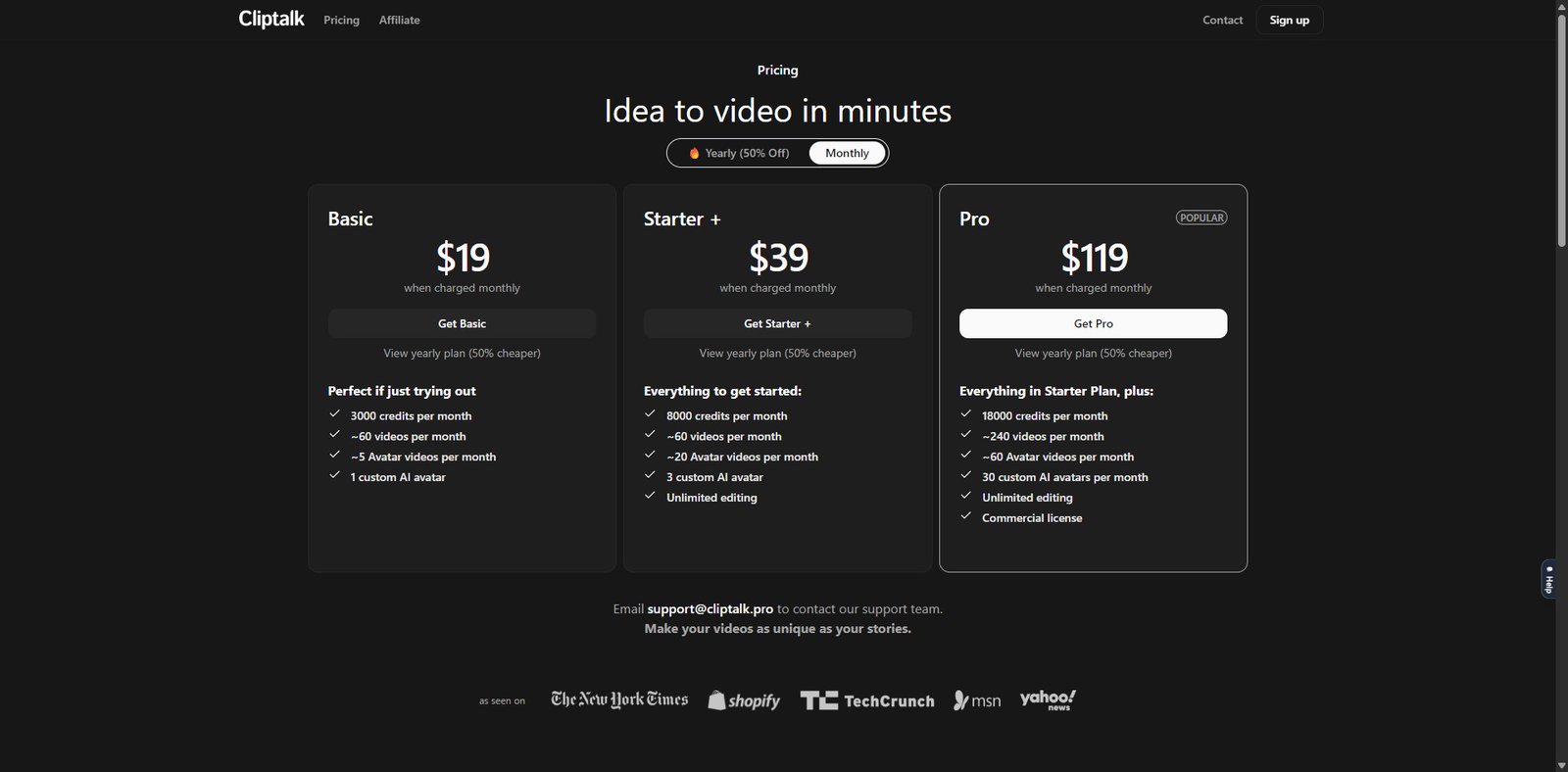
Pricing Snapshot (2026)
Plan
Monthly Price
Key Limits
Best For
Free
$0
Limited exports, watermark
Testing / beginners
Starter
~$19–$29
Moderate video minutes, HD export
Solo creators
Pro
~$49–$79
Higher limits, priority processing
Content creators / teams
Business
Custom
API, bulk processing, team access
Agencies & enterprises
Note: Pricing may vary based on usage (minutes processed) and features enabled.
Key Features
1. AI-Powered Clip Detection
Cliptalk automatically identifies high-engagement segments within long videos using speech patterns, keyword triggers, and audience retention signals.
Detects “viral-worthy” moments
Prioritizes emotional or informative peaks
Reduces manual timeline scrubbing
2. Auto Subtitles & Caption Styling
The platform generates captions with customizable styles optimized for social media consumption.
Dynamic caption animations
Multiple font and color presets
High accuracy speech-to-text (supports multiple languages)
3. Smart Reframing (Vertical Video Optimization)
Cliptalk converts horizontal videos into vertical formats using AI subject tracking.
Auto face/object tracking
Optimized for TikTok, Reels, Shorts
Reduces need for manual cropping
4. Batch Processing
Users can upload long-form content and generate multiple clips at once.
Bulk clip generation
Time-saving for podcasters and educators
Efficient content pipelines
5. Branding & Templates
Built-in templates allow quick customization for consistent brand identity.
Logo overlays
Intro/outro snippets
Preset layouts for different platforms
Use Cases
Content Creators
Repurpose YouTube videos into Shorts
Create daily content from a single recording session
Podcasters
Extract highlight moments for social media promotion
Increase discoverability through bite-sized clips
Social Media Managers
Scale content production for multiple accounts
Maintain consistent posting schedules
Agencies
Deliver short-form video packages to clients
Automate repetitive editing workflows
Pros and Cons
Pros
Significant time savings through automation
Beginner-friendly interface
Strong subtitle generation and styling
Efficient batch processing for scale
Supports multiple social media formats
Cons
AI clip selection may require manual refinement
Limited advanced editing compared to professional tools
Export quality/features tied to higher-tier plans
Internet-dependent (no offline editing)
Feature Comparison
Feature
Cliptalk
Typical Video Editor
Other AI Clippers
AI Clip Detection
Yes
No
Yes
Auto Subtitles
Yes
Limited
Yes
Vertical Reframing
Yes
Manual
Yes
Batch Processing
Yes
No
Varies
Advanced Editing Tools
Limited
Extensive
Limited
Performance & Usability
Cliptalk emphasizes simplicity over granular control. The dashboard is intuitive, allowing users to upload content, generate clips, and export within minutes. Processing speed is generally efficient, though it depends on video length and server load.
Accuracy of AI clipping is good but not perfect—users should expect to review and fine-tune outputs before publishing.
Alternatives
Opus Clip (AI clipping with strong virality scoring)
Descript (advanced editing + transcription)
CapCut (manual + semi-automated editing)
Cliptalk sits between fully automated tools and semi-manual editors, offering a balance of speed and usability.
Verdict
Cliptalk is a practical solution for creators and teams focused on scaling short-form video output without investing heavily in manual editing. It excels in automation, captioning, and batch processing, making it particularly valuable for content repurposing workflows.
However, users who require fine-grained editing control or cinematic-level production may find it limiting compared to traditional editing software.
Best for: Content repurposing at scale Not ideal for: Advanced video editing professionals
Frequently Asked Questions
What is Cliptalk used for?
Cliptalk is used to automatically convert long videos into short, shareable clips for social media platforms.
Does Cliptalk support subtitles?
Yes, it includes AI-generated subtitles with customizable styles.
Is Cliptalk suitable for beginners?
Yes, the interface is designed for non-editors and requires minimal technical skills.
Can I edit clips manually?
Basic editing is available, but advanced controls are limited compared to full video editors.
Does it support multiple platforms?
Yes, clips can be optimized for TikTok, Instagram Reels, and YouTube Shorts.
Share your love
Best Review
“Turning clicks into clients with AI‑supercharged web design & marketing.”
Let’s build your future site ➔
Passionate Web Developer, Freelancer, and Entrepreneur dedicated to creating innovative and user-friendly web solutions. With years of experience in the industry, I specialize in designing and developing websites that not only look great but also perform exceptionally well.