Pricing may vary depending on billing cycle and feature access.
Source Type
Official website and product documentation
Developer community feedback
SaaS directories and tool comparisons
Overview
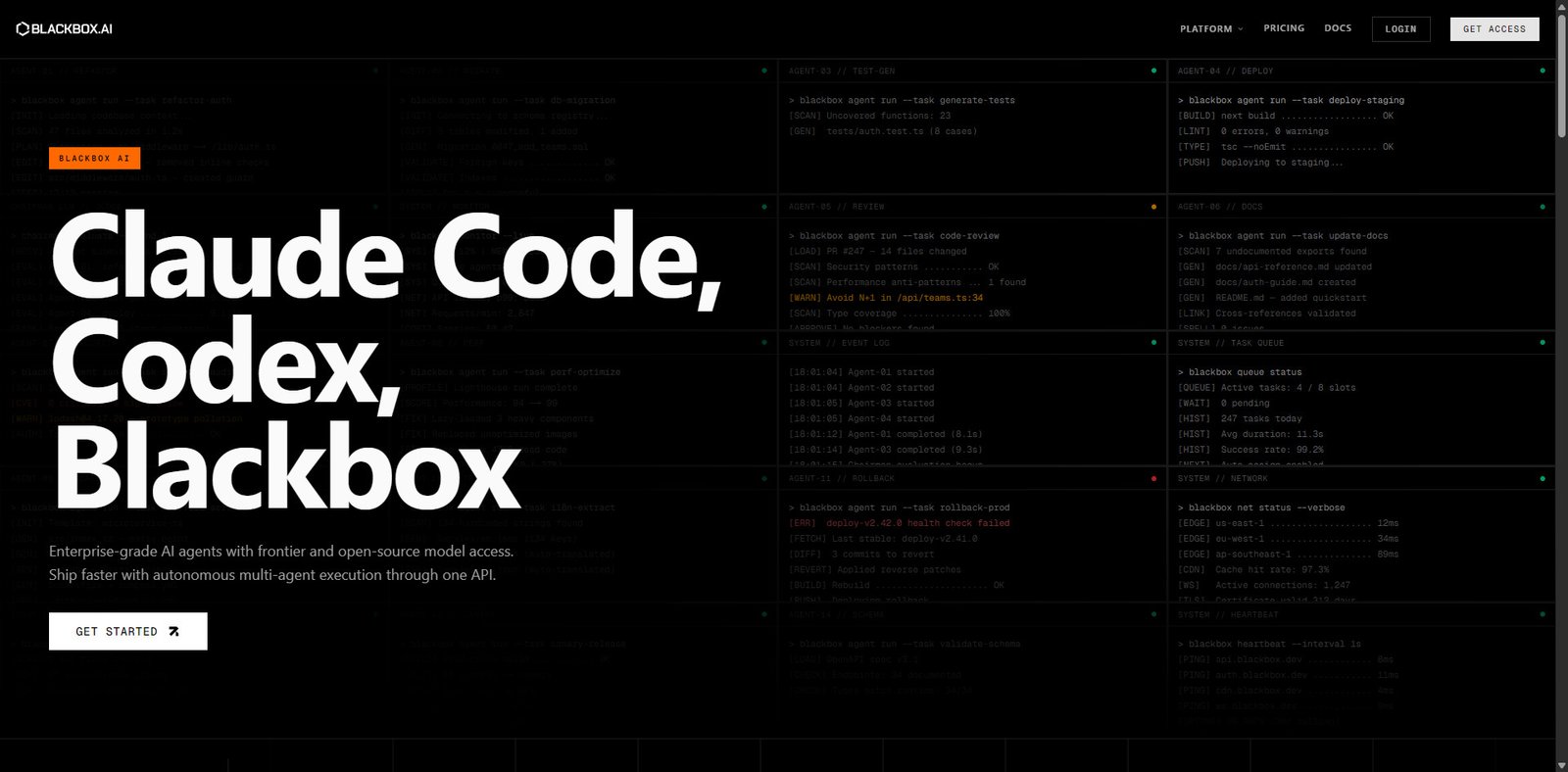
BLACKBOX AI is an AI-powered coding assistant designed to help developers write, understand, and extract code more efficiently. Unlike traditional AI coding tools focused solely on generation, BLACKBOX AI emphasizes code search, extraction, and real-time assistance.
It is particularly popular among developers who want to:
Convert videos into code
Extract code from images or screenshots
Search across millions of code repositories
BLACKBOX AI integrates with development environments and browsers, making it a flexible tool for both beginners and experienced developers.
Key Features
1. AI Code Generation
Generate code snippets from natural language prompts
Supports multiple programming languages
Useful for rapid prototyping
2. Code Search Engine
Search across large datasets of open-source code
Find reusable snippets quickly
Helps reduce development time
3. Code Extraction from Media
Extract code from:
YouTube videos
Images and screenshots
Unique feature compared to competitors
4. Autocomplete & Suggestions
Real-time coding assistance
Improves developer productivity
Works within supported IDEs
5. Browser Extension
Integrates directly into web browsing workflows
Enables quick code lookup without switching tabs
6. Multi-language Support
Works with popular languages like Python, JavaScript, C++, and more
Use Cases
Software Development
Writing and debugging code
Accelerating repetitive coding tasks
Learning & Education
Understanding code from tutorials
Extracting examples from videos
Freelancers & Startups
Rapid MVP development
Reducing development costs
Technical Research
Exploring open-source implementations
Comparing coding approaches
Pros and Cons
Pros
Unique code extraction from videos and images
Fast and efficient code search
Beginner-friendly interface
Free plan available
Cons
Code accuracy may vary depending on prompt
Limited deep contextual understanding compared to top-tier AI models
Fewer advanced IDE integrations than competitors
Requires manual review of generated code
Pricing Table (Detailed)
Feature
Free
Pro
Team
Code Generation
Limited
Unlimited
Unlimited
Code Search
Yes
Yes
Yes
Video/Image Extraction
Limited
Full
Full
Autocomplete
Basic
Advanced
Advanced
Team Collaboration
No
No
Yes
BLACKBOX AI vs Competitors
Feature
BLACKBOX AI
GitHub Copilot
Tabnine
Code Generation
Good
ممتاز
Good
Code Search
Excellent
Limited
Limited
Media Code Extraction
Unique
No
No
IDE Integration
Moderate
Extensive
Extensive
Pricing
Affordable
Mid-High
Mid
Verdict
BLACKBOX AI stands out for its innovative approach to code extraction and search, making it a valuable tool for developers who frequently learn from external sources like videos and online tutorials.
While it may not fully replace advanced AI coding assistants such as GitHub Copilot, it complements them well—especially for research-heavy workflows.
For developers seeking a cost-effective, versatile coding assistant, BLACKBOX AI is a strong contender in 2026.
Ratings (2026)
Category
Score
Ease of Use
4.4/5
Features
4.2/5
Performance
4.0/5
Pricing Value
4.5/5
Overall
4.2/5
Frequently Asked Questions
What is BLACKBOX AI used for?
BLACKBOX AI is used for code generation, code search, and extracting code from videos or images.
Is BLACKBOX AI free?
Yes, it offers a free plan with limited features, along with paid plans for advanced usage.
Can BLACKBOX AI replace GitHub Copilot?
Not entirely. It works better as a complementary tool rather than a full replacement.
Does BLACKBOX AI support multiple languages?
Yes, it supports a wide range of programming languages
Alternatives
GitHub Copilot (deep IDE integration and AI coding assistance)
“Turning clicks into clients with AI‑supercharged web design & marketing.”
Let’s build your future site ➔
Passionate Web Developer, Freelancer, and Entrepreneur dedicated to creating innovative and user-friendly web solutions. With years of experience in the industry, I specialize in designing and developing websites that not only look great but also perform exceptionally well.