Independent reviews. No paid rankings. No sponsored placements.
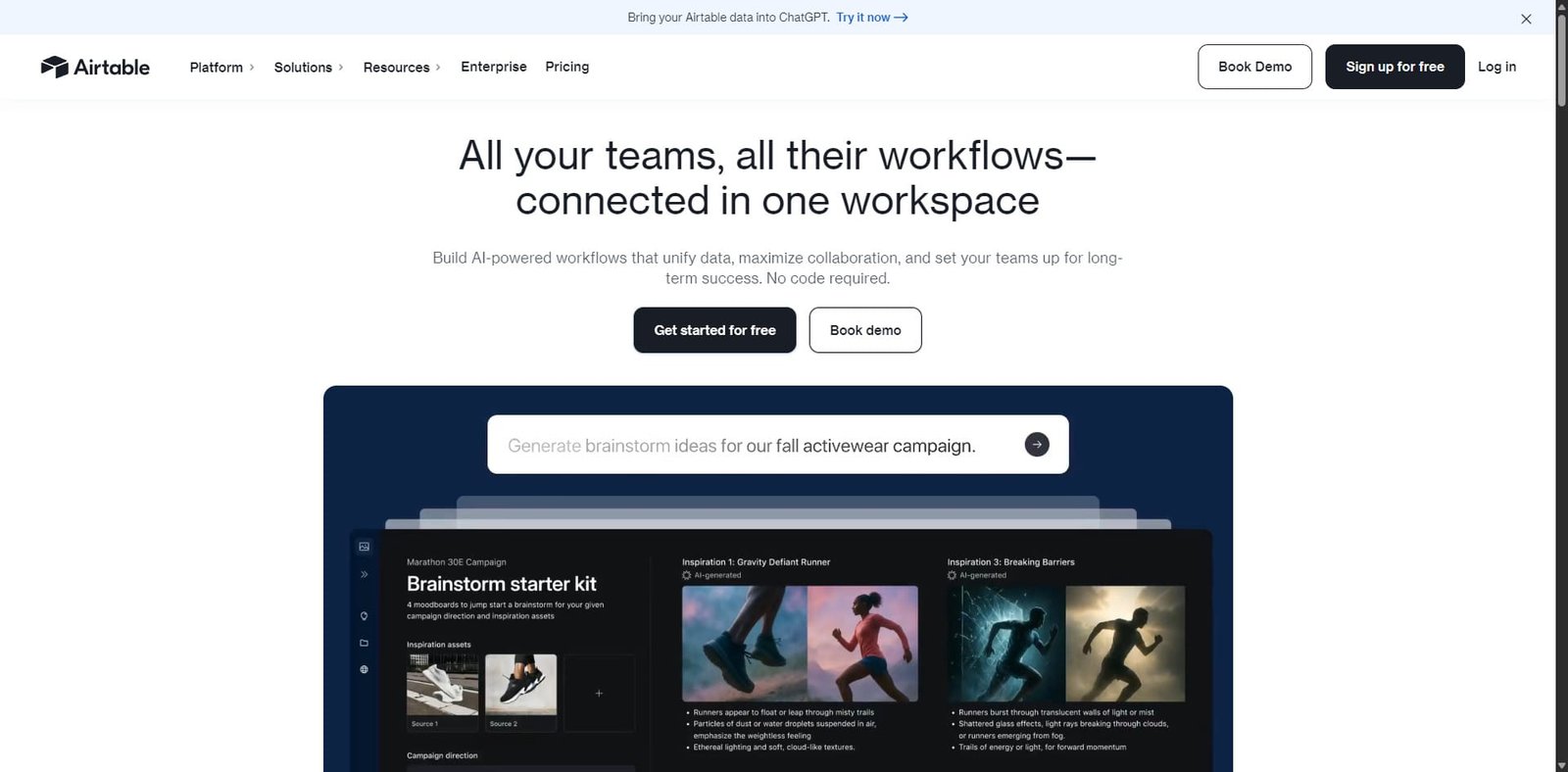

Airtable is a powerful no-code/low-code platform designed to help teams build custom applications using structured data. It blends the simplicity of spreadsheets with the power of relational databases, allowing users to create workflows, dashboards, and internal tools quickly.
Originally launched as a database-style spreadsheet platform, Airtable has evolved into a complete app-building ecosystem. With built-in automation, integrations, and AI tools, businesses can now build intelligent apps that analyze data, generate content, and streamline operations.
From startups to enterprise teams, Airtable is widely used for project management, content planning, product development, and internal operations.
Rating Snapshot / Score Summary
| Category | Score |
|---|---|
| Ease of Use | 4.7 / 5 |
| Flexibility & Customization | 4.8 / 5 |
| Automation & AI | 4.6 / 5 |
| Integrations | 4.5 / 5 |
| Pricing Value | 4.2 / 5 |
| Overall Rating | 4.6 / 5 |
Summary: Airtable excels at turning structured data into powerful workflows and AI-powered internal tools without requiring coding knowledge.
Embedded Video
(Placeholder: Insert Airtable product demo or tutorial video here when publishing.)
Key Features
1. No-Code App Builder
Airtable allows users to build custom business applications without programming.
Core capabilities include:
- Relational database structure
- Drag-and-drop interface builder
- customizable dashboards
- linked records across tables
- dynamic forms for data collection
This enables teams to create internal tools such as CRMs, inventory systems, project trackers, or marketing dashboards in minutes.
2. AI-Powered Workflows
Airtable has introduced AI features that turn structured data into intelligent applications.
Key AI capabilities include:
- AI-generated summaries
- automated content generation
- data classification and tagging
- workflow automation using AI prompts
- AI-powered insights within tables
These features help teams automate repetitive tasks and extract insights directly from their data.
3. Advanced Automation Engine
Automation is one of Airtable’s strongest features.
Users can automate workflows such as:
- sending notifications
- updating records automatically
- syncing data between tables
- triggering actions when conditions are met
- connecting external tools via webhooks
Automation reduces manual work and keeps teams aligned across projects.
4. Multiple Data Views
Airtable allows the same data to be viewed in different formats.
Available views include:
- Grid view (spreadsheet-style)
- Kanban board
- Calendar view
- Gallery view
- Timeline / Gantt charts
This flexibility makes Airtable suitable for both operational workflows and project management.
5. Integrations & API Access
Airtable integrates with hundreds of popular tools, enabling teams to connect their workflows with other platforms.
Popular integrations include:
- Slack
- Google Workspace
- Zapier
- Salesforce
- Jira
- Notion
- GitHub
Developers can also use Airtable’s API to build custom integrations or external applications.
Common Use Cases
Airtable supports a wide range of business workflows.
Common use cases include:
- Project management systems
- Content calendars for marketing teams
- Product roadmaps
- Inventory management
- CRM databases
- Editorial workflows
- Internal dashboards
- AI-powered data analysis tools
Because of its flexibility, Airtable is often used as the backbone for custom operational software.
Pros and Cons
| Pros | Cons |
|---|---|
| Extremely flexible database-style workspace | Pricing increases quickly for large teams |
| Powerful automation and AI capabilities | Learning relational data structure can take time |
| Multiple data views (Kanban, calendar, gallery) | Some advanced features require higher-tier plans |
| Large integration ecosystem | Can become complex with large datasets |
| No-code app building with strong customization | Offline functionality is limited |
Pricing Snapshot
| Plan | Price | Best For | Key Features |
|---|---|---|---|
| Free | $0 | Individuals / small projects | Basic database features, limited records |
| Team | $20 / user / month | Small teams | Advanced views, automation, extensions |
| Business | $45 / user / month | Growing companies | Advanced automation, admin controls |
| Enterprise | Custom pricing | Large organizations | security controls, dedicated support |
Pricing may vary depending on workspace size and usage.
Airtable vs Alternatives
| Feature | Airtable | Notion | Monday.com | Smartsheet |
|---|---|---|---|---|
| Database Functionality | Excellent | Moderate | Limited | Strong |
| App Building | Very Strong | Moderate | Moderate | Moderate |
| Automation | Strong | Moderate | Strong | Strong |
| AI Capabilities | Growing rapidly | Basic | Moderate | Limited |
| Ease of Use | Easy | Easy | Easy | Moderate |
Bottom line: Airtable stands out for its balance between database power and no-code application building.
Affiliate / Partner Program
Airtable offers a partner ecosystem that includes:
- implementation partners
- consulting partners
- technology integrations
- enterprise solution providers
Partners help organizations deploy Airtable for complex operational workflows and large-scale projects.
Final Verdict
Airtable has evolved from a spreadsheet-database hybrid into a full platform for building AI-powered business applications. Its flexibility, automation features, and user-friendly interface make it a powerful tool for teams that want to build custom software without developers.
While pricing can increase for large teams, the platform’s capabilities often replace multiple tools—making it a strong value for businesses that rely heavily on data workflows.
Overall Rating: 4.6 / 5
Best suited for:
- startups
- product teams
- marketing teams
- operations teams
- companies building internal tools
Frequently Asked Questions
What is Airtable used for?
Airtable is used to create custom databases, project management systems, internal tools, and automated workflows.
Does Airtable support AI features?
Yes. Airtable includes AI capabilities for generating summaries, automating tasks, and analyzing structured data.
Is Airtable a database or a spreadsheet?
It combines both. Airtable looks like a spreadsheet but functions as a relational database.
Can Airtable replace project management tools?
Yes. Many teams use Airtable instead of tools like Trello, Asana, or Monday.com because of its flexibility.
Does Airtable require coding?
No. Most features are no-code, although developers can extend functionality using Airtable’s API.
